Resetting Your Vote
Vote resetting completely removes all your voting allocations, returning your veDXLYN to an unallocated state.
Why Reset:
- You no longer want to participate in emissions for this epoch
- You’re planning to merge or split locks and need to clear votes first
- Strategic decision to opt out of current pool options
- Preparing to transfer locks to another address
Reset Process:
- Click “Reset Vote” from your voting interface
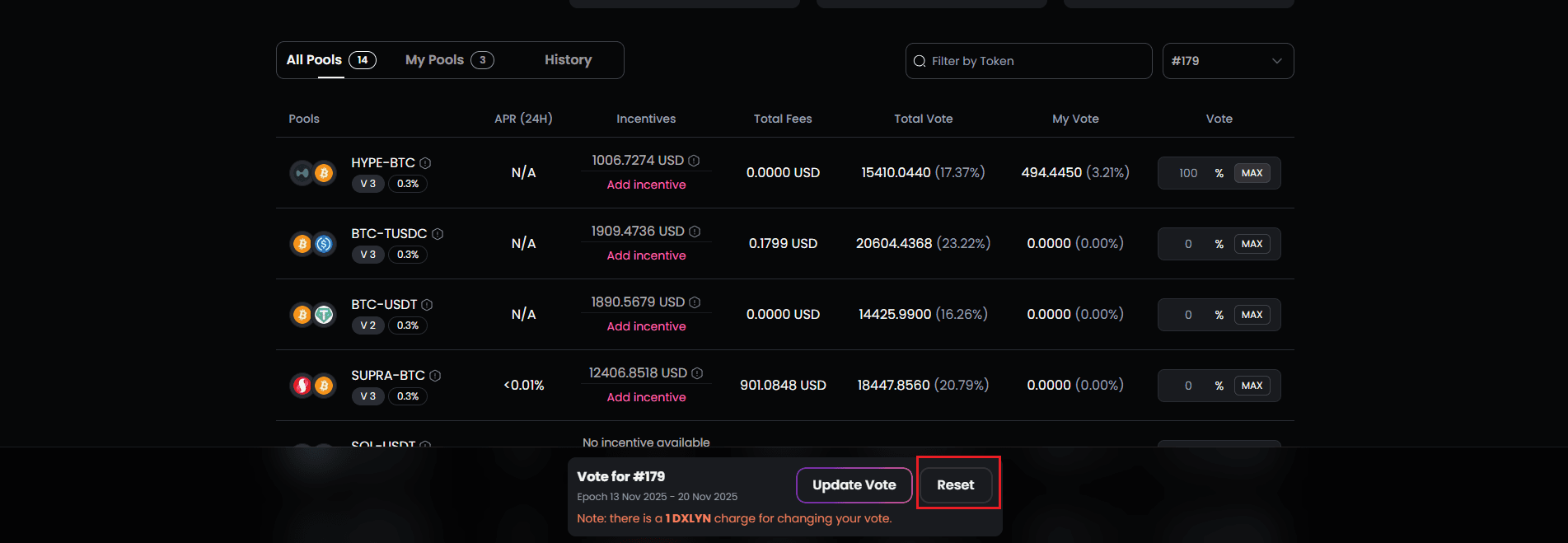
- Understand the consequences:
- All current vote allocations are removed
- You will not receive emission rewards for pools you voted for
- Your veDXLYN remains but is not actively directing emissions
- Rebase rewards may be affected if you haven’t voted
-
Confirm the wallet transaction with applicable fees
-
All vote percentages return to 0%
-
Pool emission rewards stop immediately
-
You can vote again in the next epoch
Important: Unlike updates, resets don’t cost 1 DXLYN—only network fees apply.