Concentrated
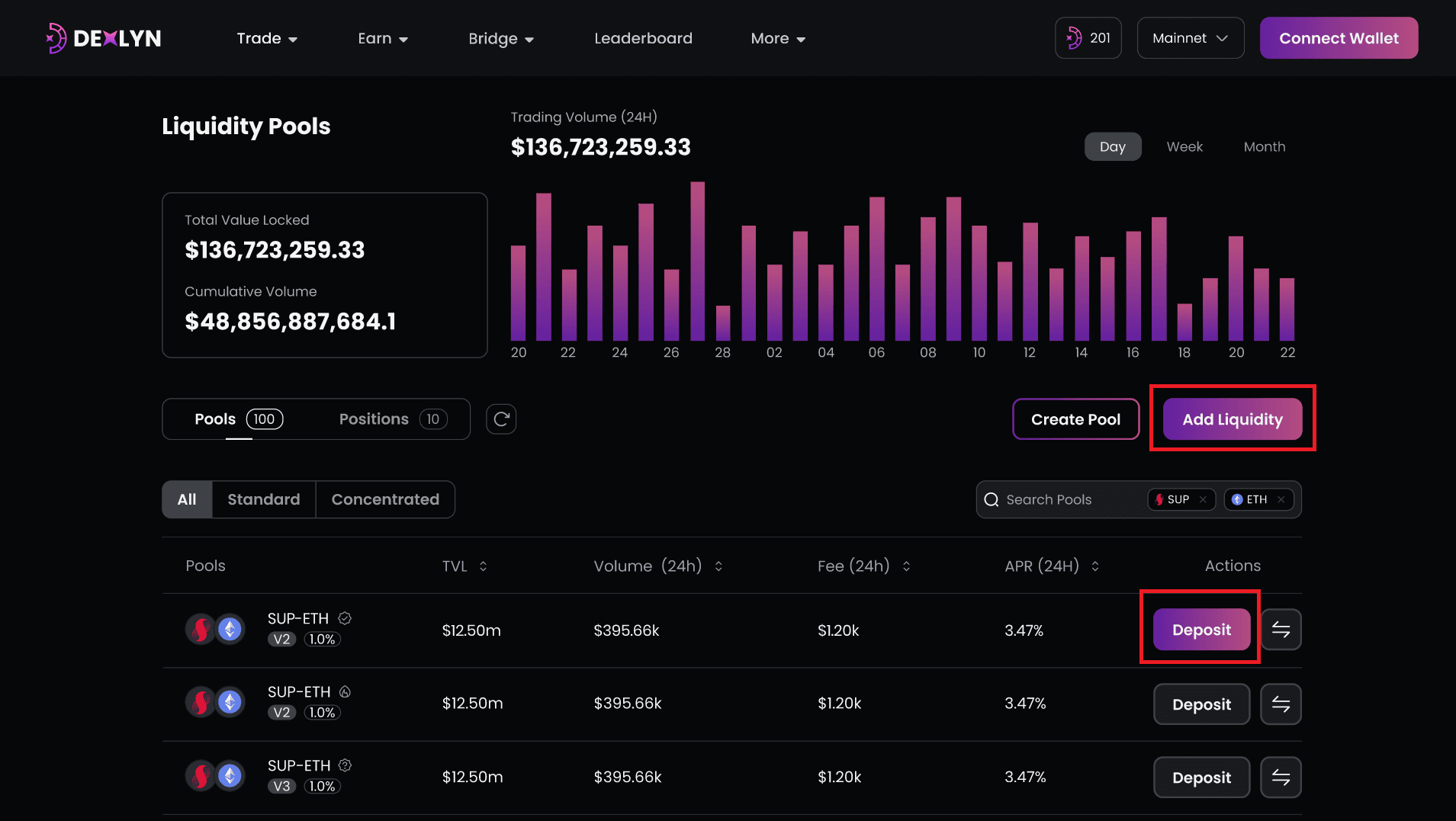
- Explore all of the various trading pools on Dexlyn and choose the asset pools where you want to supply liquidity. Additional pools are also accessible through our dApp..
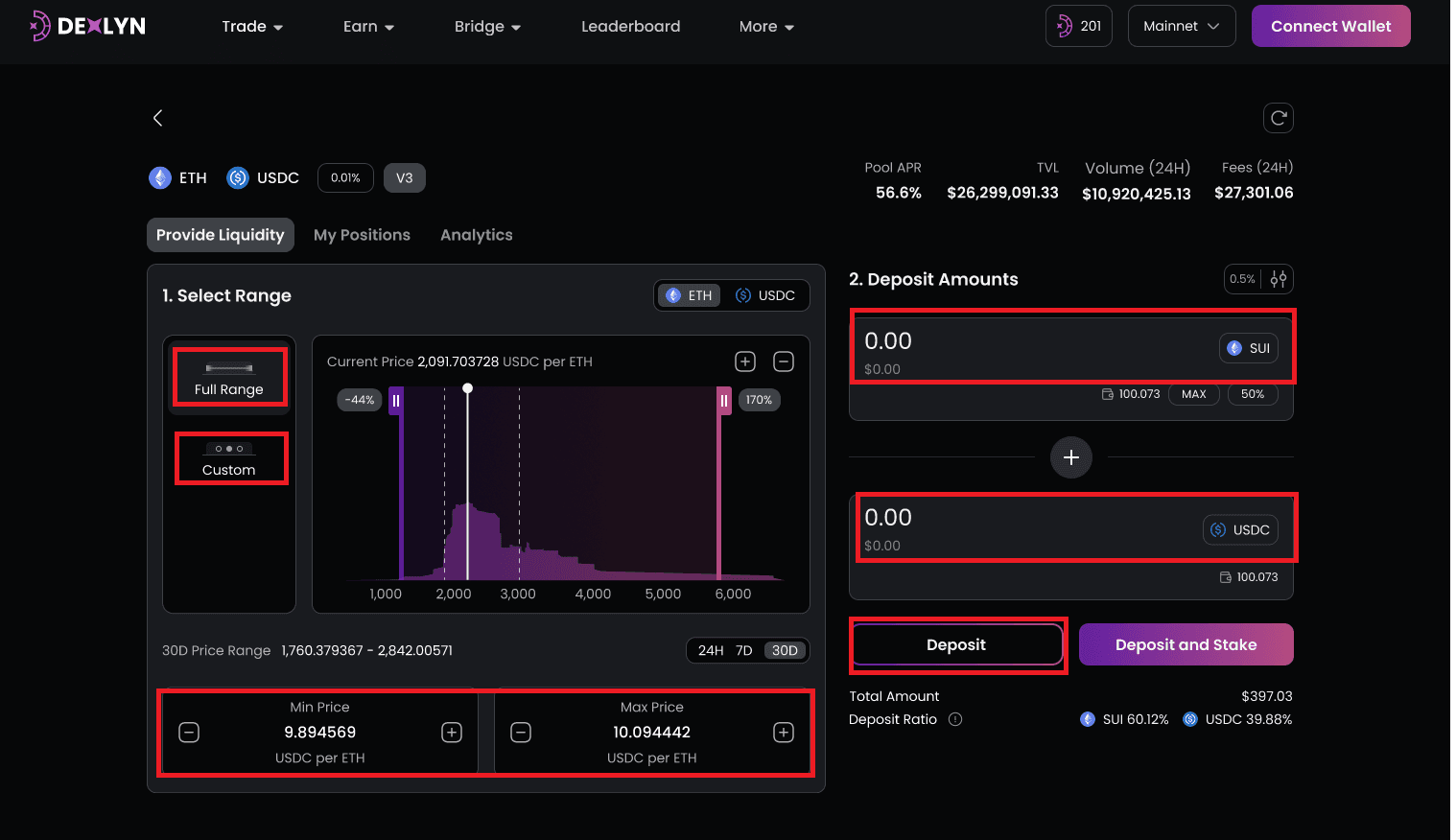
- Choose the range you want and enter the amount. Enter the amount of assets on either side of the target liquidity pool and specify the price range.
- After you have successfully added liquidity to the target pool, a notification box will appear with the message ‘Open position successfully’.