How to Trade
Trading on Dexlyn is super easy!
Unlike other exchanges, you aren’t going to be overwhelmed with information in charts or jargon, and trading routes and calculations are all handled for you by the Dexlyn Smart Router.
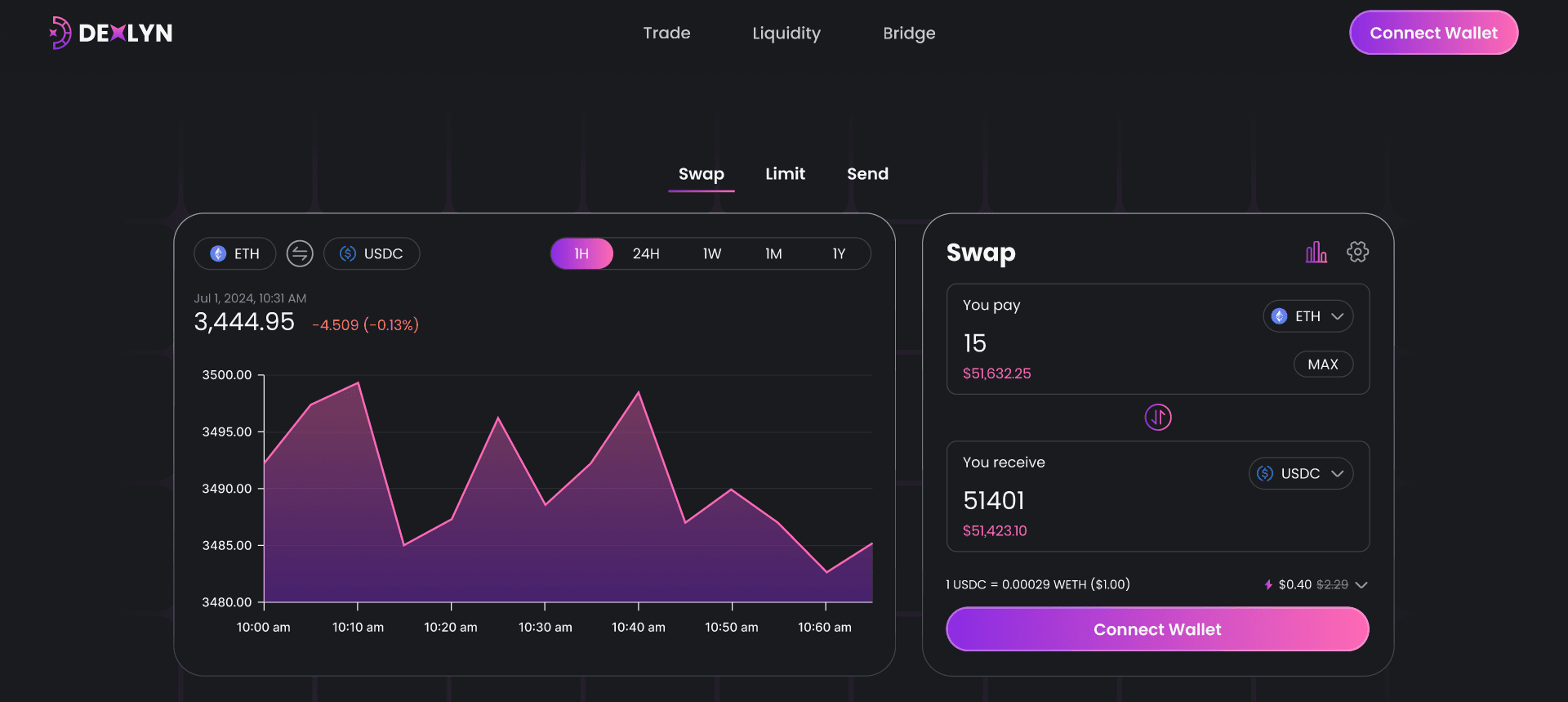
Getting Set Up to Trade
- Set Up a Wallet
- Setup the StarKey Wallet - Supra compatible Wallet. Learn how to create one here.
- Acquire SUPRA Tokens
- Purchase SUPRA on supported exchanges or via the Dexlyn platform. Learn how to get SUPRA - here.
Steps to Trade on Dexlyn
- Access the Exchange
- Open the exchange app .
- Connect Your Wallet
- Click the ‘Connect’ button in the top-right corner. Learn more about connecting your wallet here.
- Select Tokens to Swap
- Choose the token you want to exchange (e.g., ETH) as the source token.
- Select the token you want to receive (e.g., SUPRA) as the destination token.
- Confirm Details
- Review all key parameters like slippage tolerance, price impact, and network costs displayed on the screen.
- Adjust the slippage tolerance manually if needed or use the default setting.
- Execute the Trade
- Click ‘Swap’ to finalize the transaction.
Real-Time Calculations
The maximum slippage, network costs, price impacts are calculated automatically and displayed as seen in the figure above.
- By default, Dexlyn automatically applies a 0.05% slippage tolerance for all trades, ensuring your transaction executes within a controlled price range. with an option to configure manual slippage tolerance.
- Set your desired slippage percentage, If slippage exceeds your preset threshold, the order is automatically canceled, and funds are refunded.
Understanding Slippage and Price Impact
- Slippage: Price variance caused by market movements during execution.
- Price Impact: The change in asset price due to liquidity pool adjustments caused by your trade.
- Network Fees: Transparent display of applicable gas fees.
By understanding these concepts, Dexlyn ensures that users make informed and confident trading decisions.