Lock Creation Process
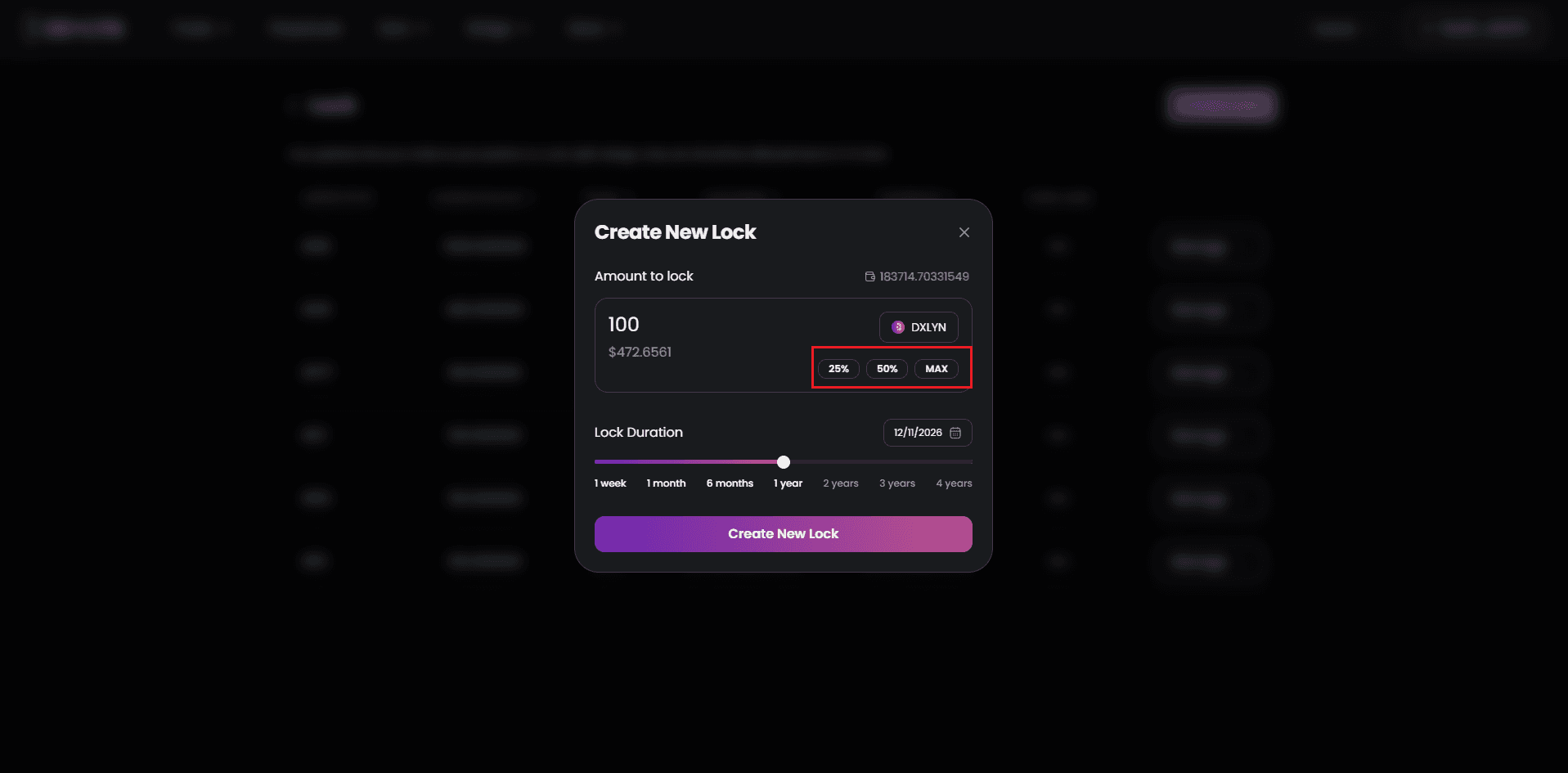
- Specify Token Amount
- Manually enter the amount of DXLYN you wish to lock
- Or use quick-select options: 25%, 50%, or MAX of your available wallet balance
- The interface displays your current DXLYN balance for reference
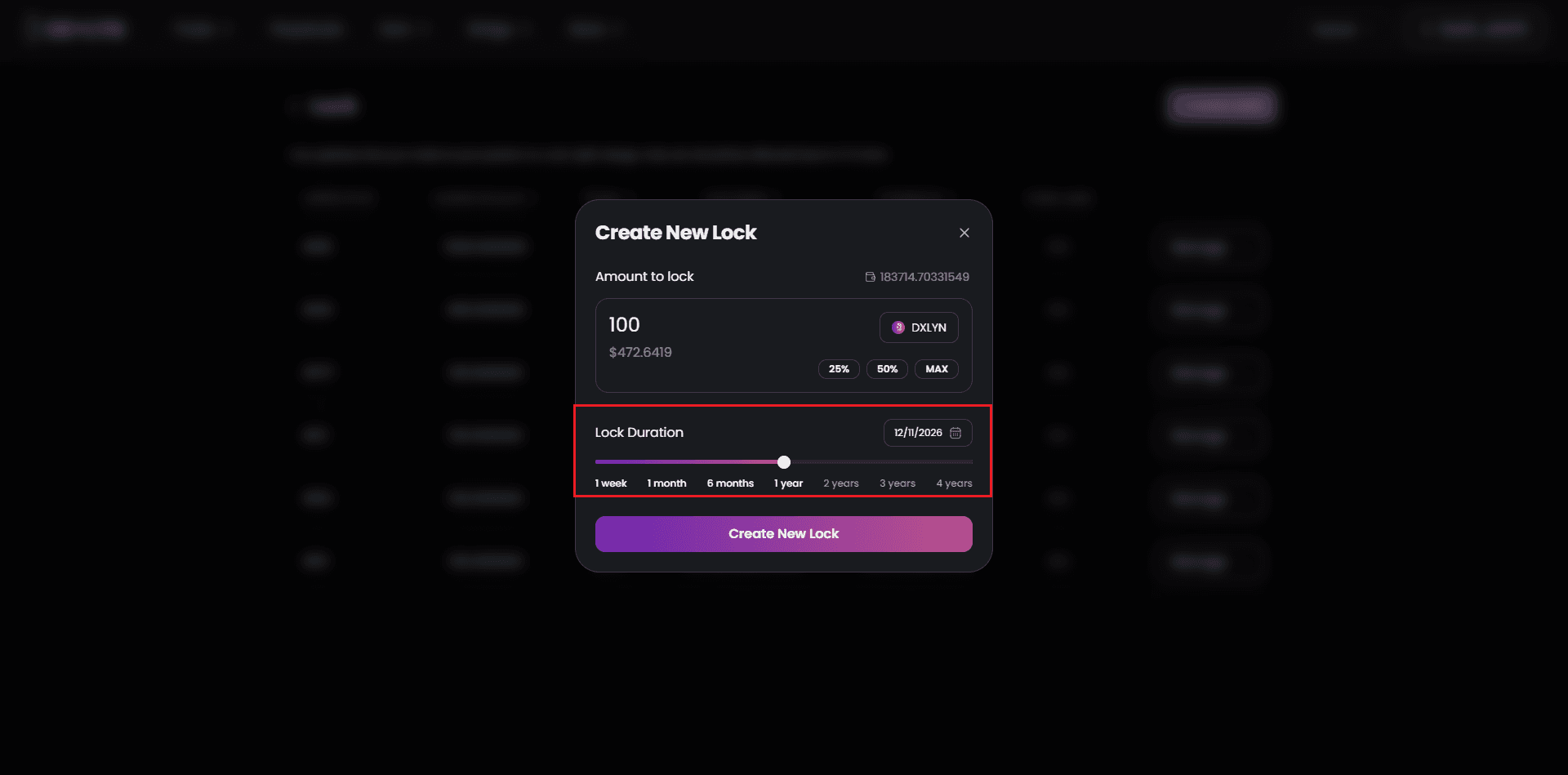
- Choose Lock Duration
- Select from predefined durations: 1 week, 1 month, 6 months, 1 year, 2 years, 3 years or 4 years.
- Longer lock periods generate more veDXLYN per token locked
- The exact unlock date is calculated and displayed based on your selection
- Consider your liquidity needs and conviction in the protocol when choosing duration
- Confirm Transaction
- Review the lock summary showing amount, duration, and expected veDXLYN
- Your wallet will prompt for transaction approval
- Network fees are displayed transparently before confirmation
- Once confirmed, your lock is created and begins accruing voting power