Limit Order
-
Limit Order: Order to enter a position when the price moves to a desired price or better than the specified price. Note that there is still a possibility the order will not be executed if the price moves quickly.
-
For example:
-
Long (Buy) Limit Order:
-
You want to buy an asset at a price lower than the current market price. The order will only execute when the market price drops to your specified limit or lower.
-
Example: BTC is $35,000, you place a buy limit at $34,500 → the order executes only if BTC drops to $34,500 or below.
-
Sell Limit Order (Short / Taking Profit):
-
You want to sell an asset at a price higher than the current market price. The order will only execute when the market price rises to your specified limit or higher.
-
Example: BTC is $35,000, you place a sell limit at $36,000 → the order executes only if BTC rises to $36,000 or above.
-
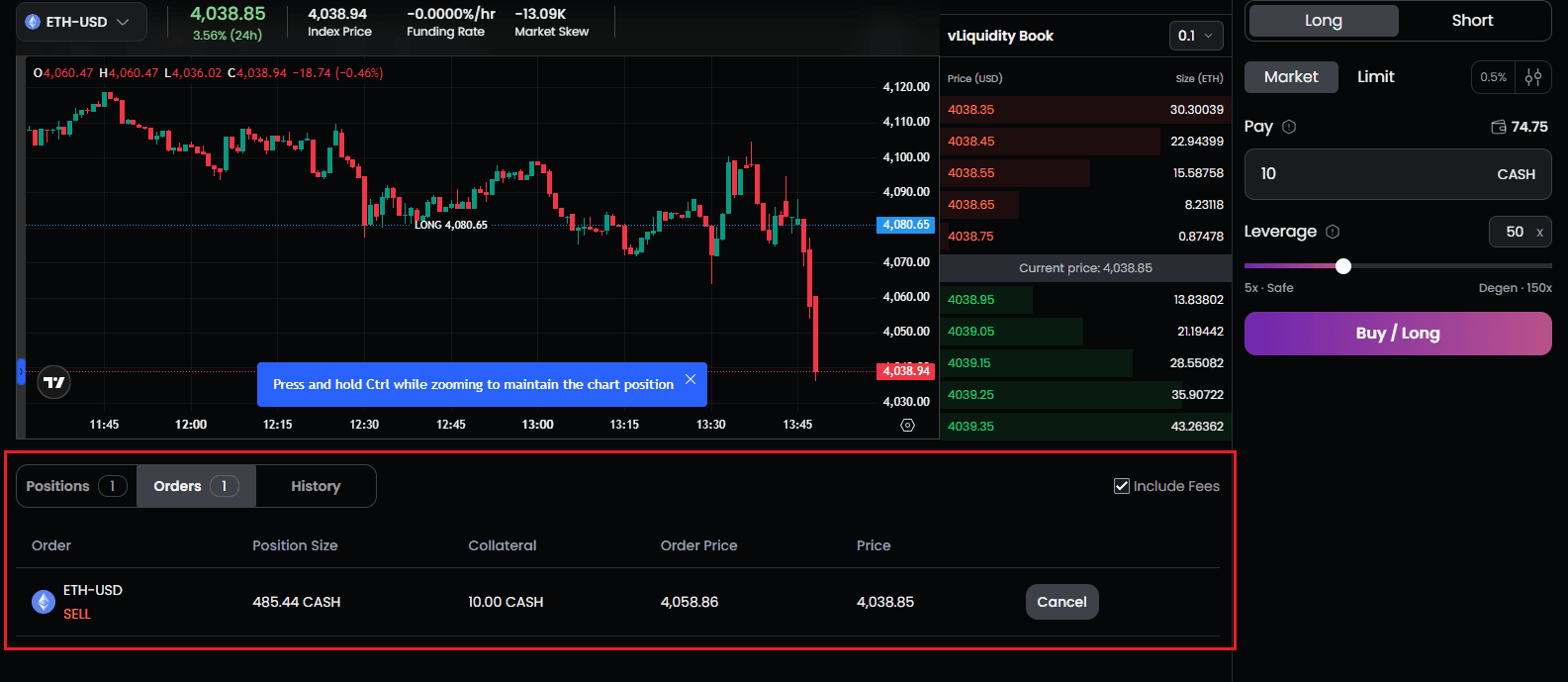
You can cancel a limit order from the Orders tab, if you choose to.
-
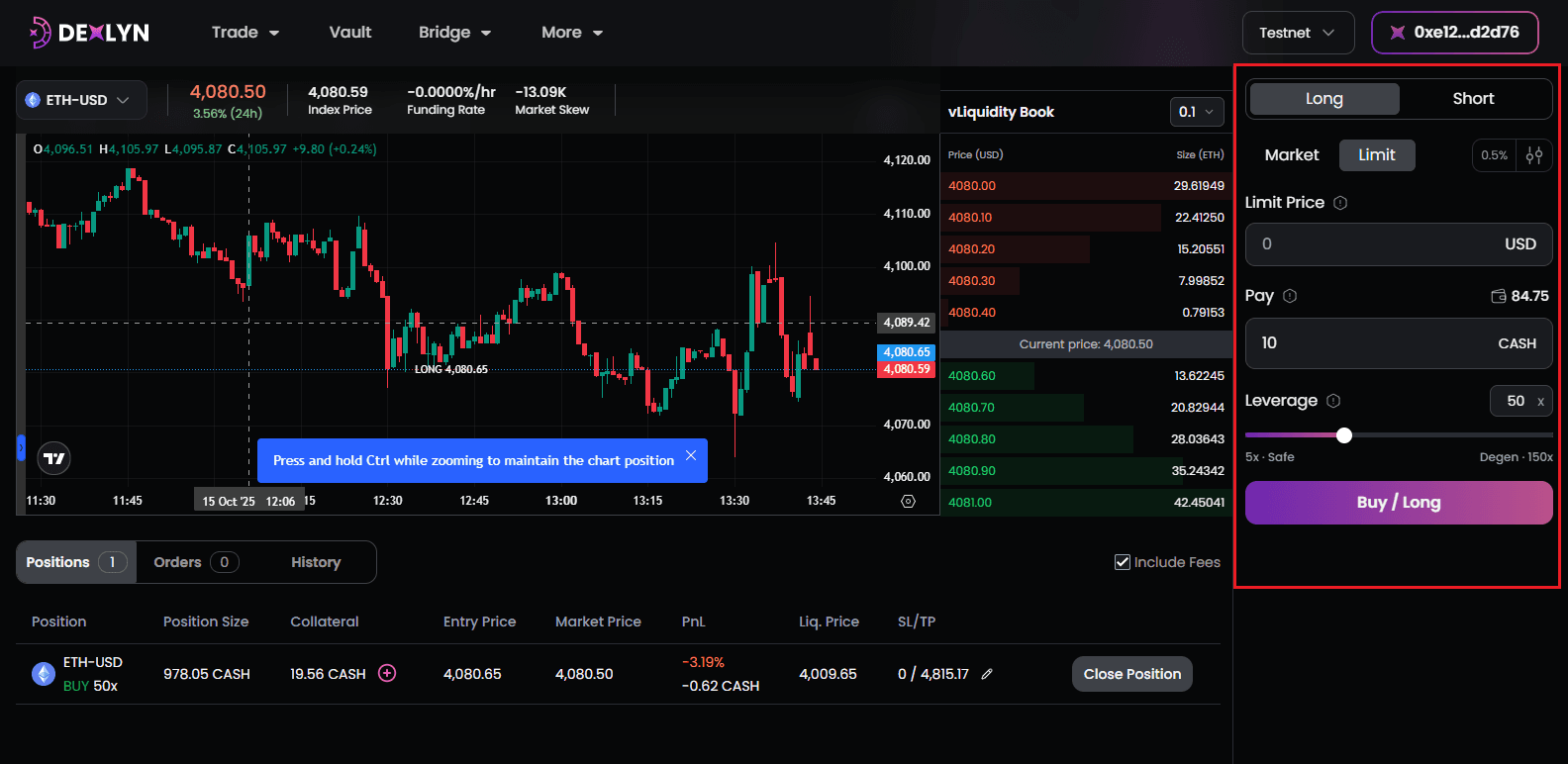
You can place limit orders from the portal by providing values of limit price, pay amount, slippage amount [default 0.5%], leverage.
-
-
Once a Wallet transaction occurs after placing the order and estimated fees will be applied while confirming the transaction.
-
Once you confirm the pop-up, you should be able to view it on transaction explorer.
-
Once limit order is placed, it will be shown in Orders listing as below.
-
Once the limit order is confirmed it will go to positions.