Split Locks
Lock splitting enables you to divide a single lock into multiple separate locks (2, 3, 4, or 5 parts). This functionality is valuable for:
- Distributing governance power across different strategies
- Creating locks with varied durations for liquidity planning
- Transferring partial governance power to other addresses
- Diversifying your voting allocation
Split Process:
-
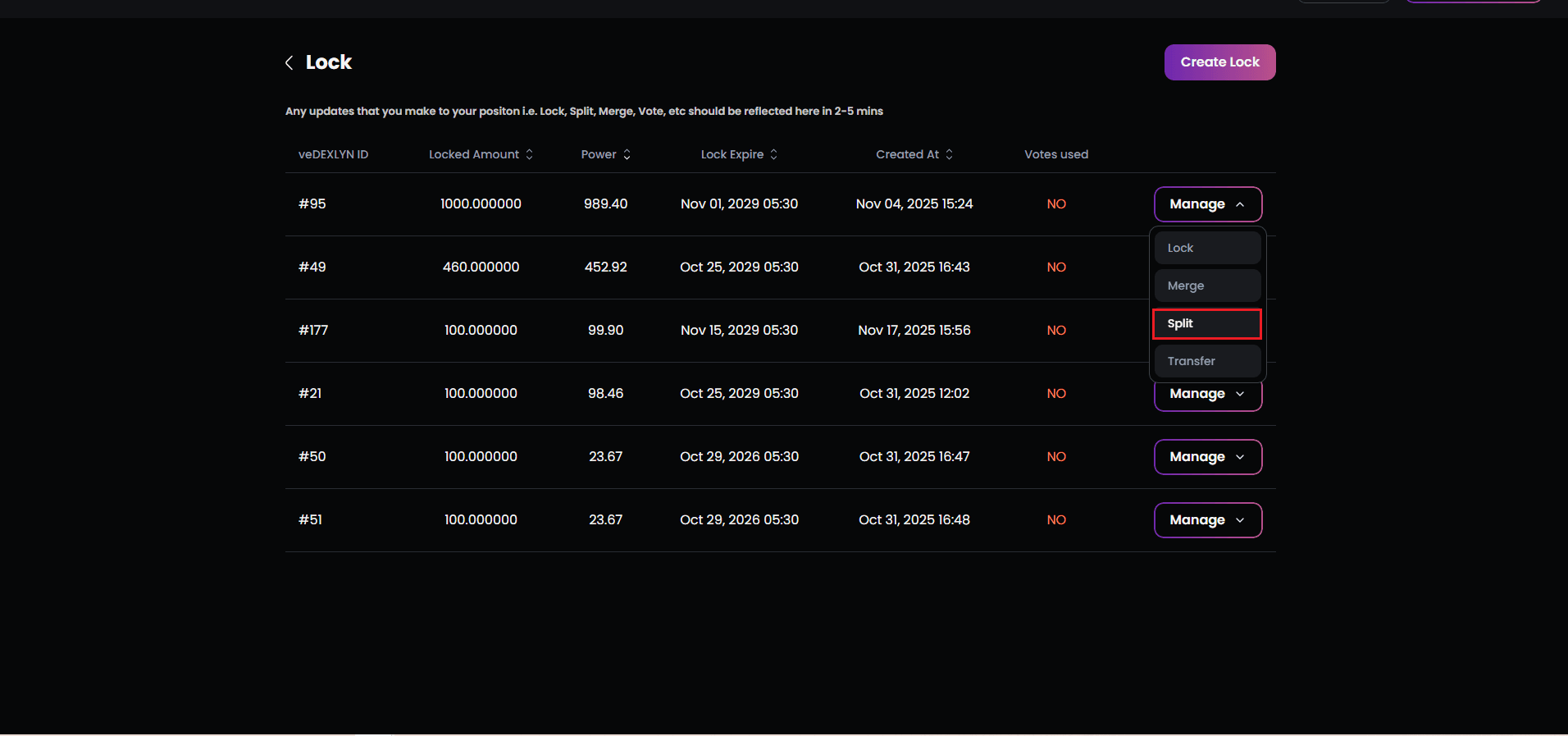
Select “Split” from your lock’s manage menu
-
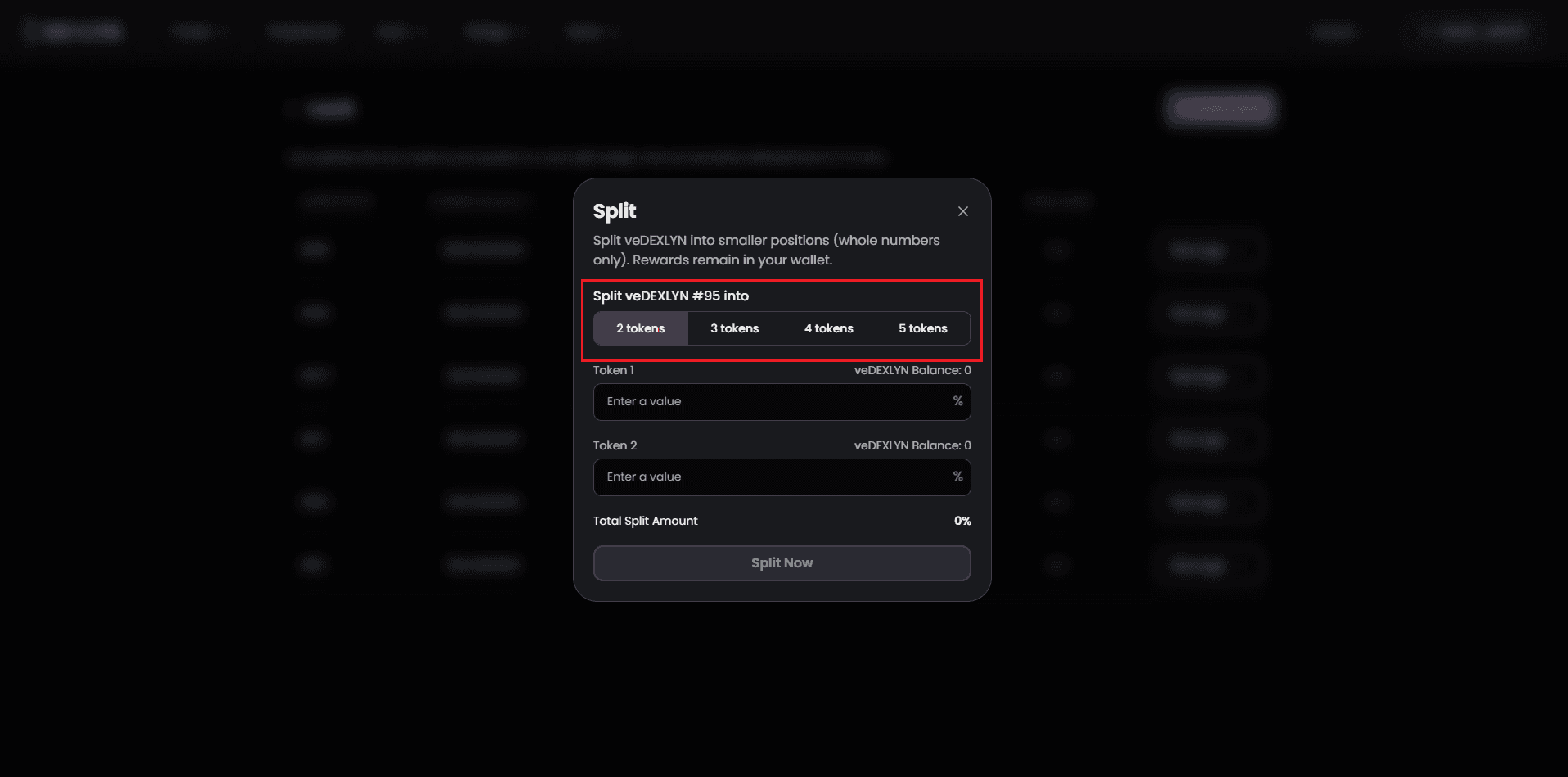
Choose how many parts to split into (2, 3, 4, or 5)
-
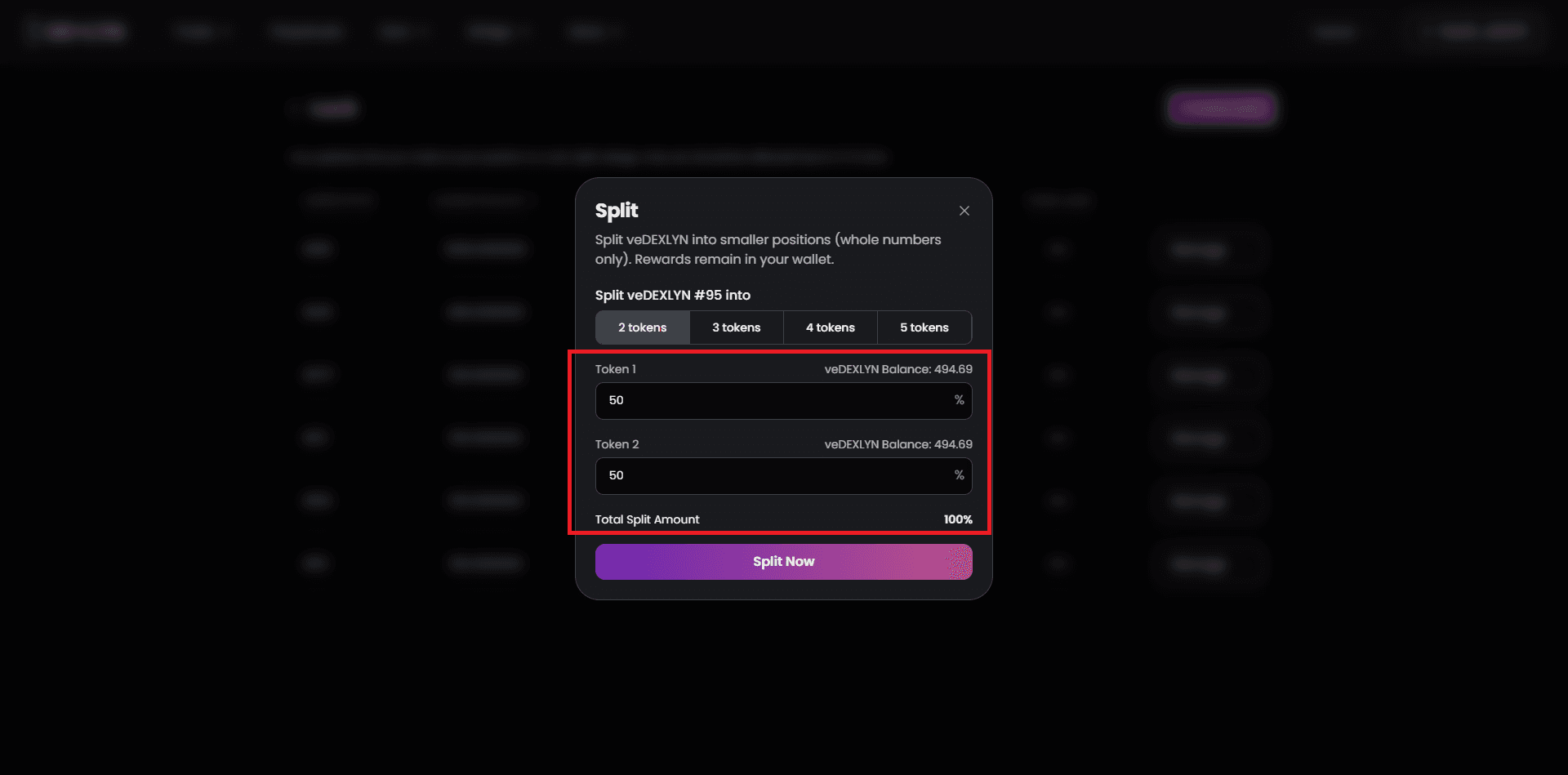
Define the split ratios:
- Enter percentages for each new lock
- The total MUST equal exactly 100%
- A validation error appears if the sum is incorrect
- The system auto-calculates token amounts based on percentages
- Review the split summary:
- See each new lock’s percentage and token amount
- Verify the total split equals your original lock
- The selected lock ID is displayed for reference
- Pre-Split Actions (if applicable):
- Claim Rebase: If unclaimed rewards exist, you’ll be prompted to claim them first
- Vote Reset: If the lock has active votes, they’ll be reset to zero
- Wallet transactions occur for both claim and split operations
- Applicable network fees are shown for each step
- After reset, emission rewards stop until you allocate votes again
-
Confirm the split transaction
-
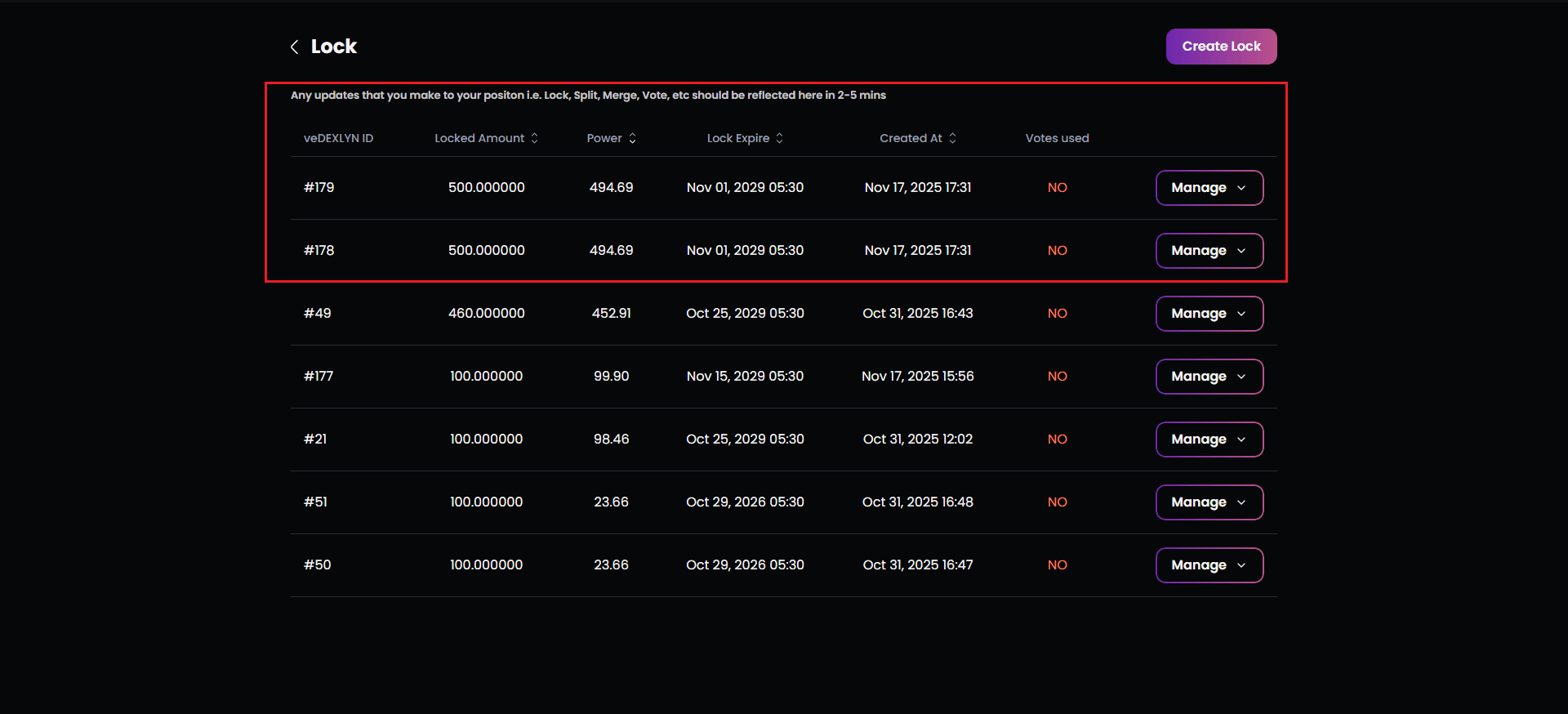
New lock IDs are automatically generated:
- Each receives its proportional share of tokens
- All maintain the same unlock date as the original
- Each can be managed independently going forward
- All appear in your Lock module immediately
Split Example:
- Original lock: 1,000 DXLYN, 400 veDXLYN
- Split into 3 parts: 40%, 35%, 25%
- Results:
- Lock A: 400 DXLYN, 160 veDXLYN
- Lock B: 350 DXLYN, 140 veDXLYN
- Lock C: 250 DXLYN, 100 veDXLYN