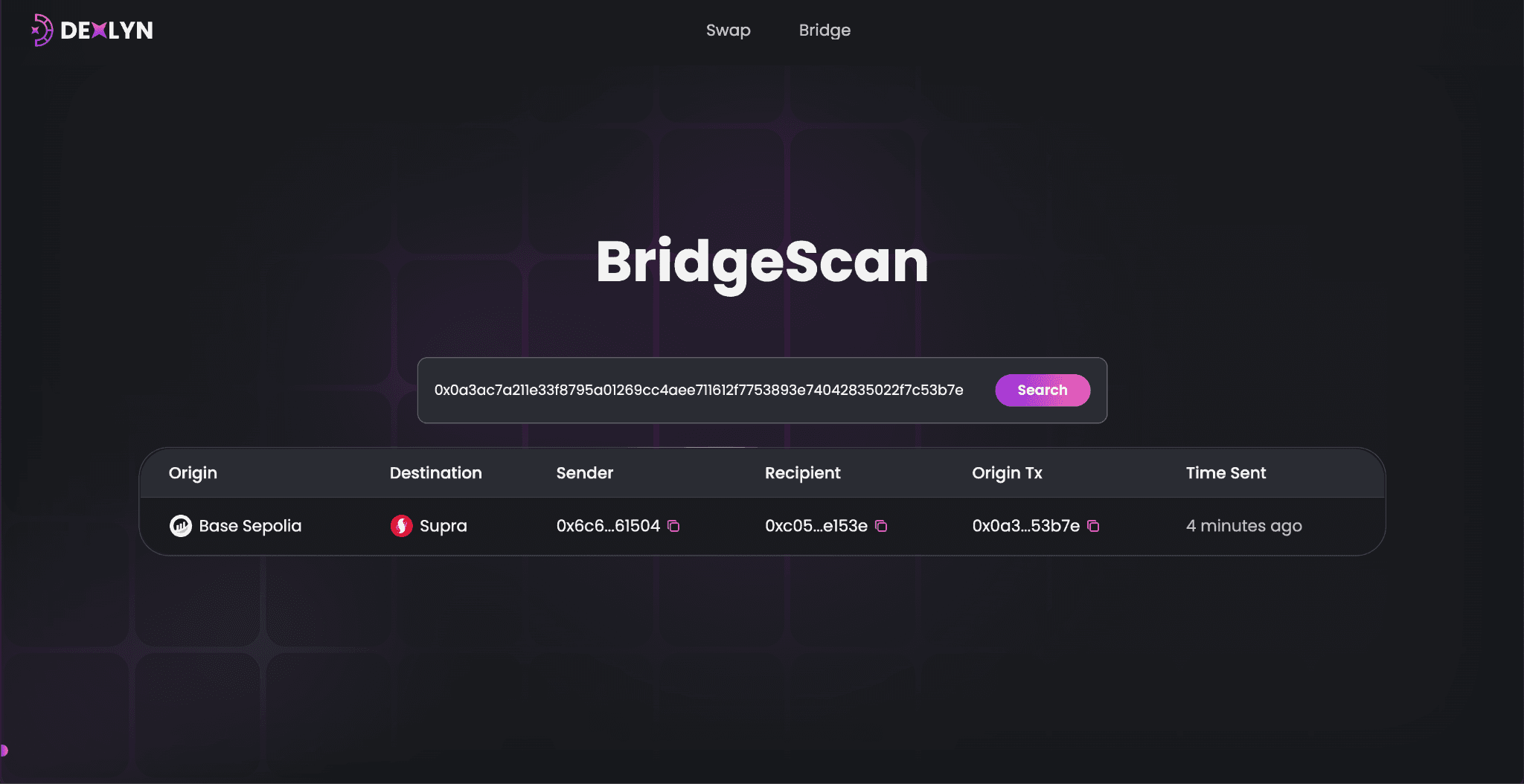
How to Use BridgeScan
Step 1: Open BridgeScan
Visit the Dexlyn BridgeScan page.
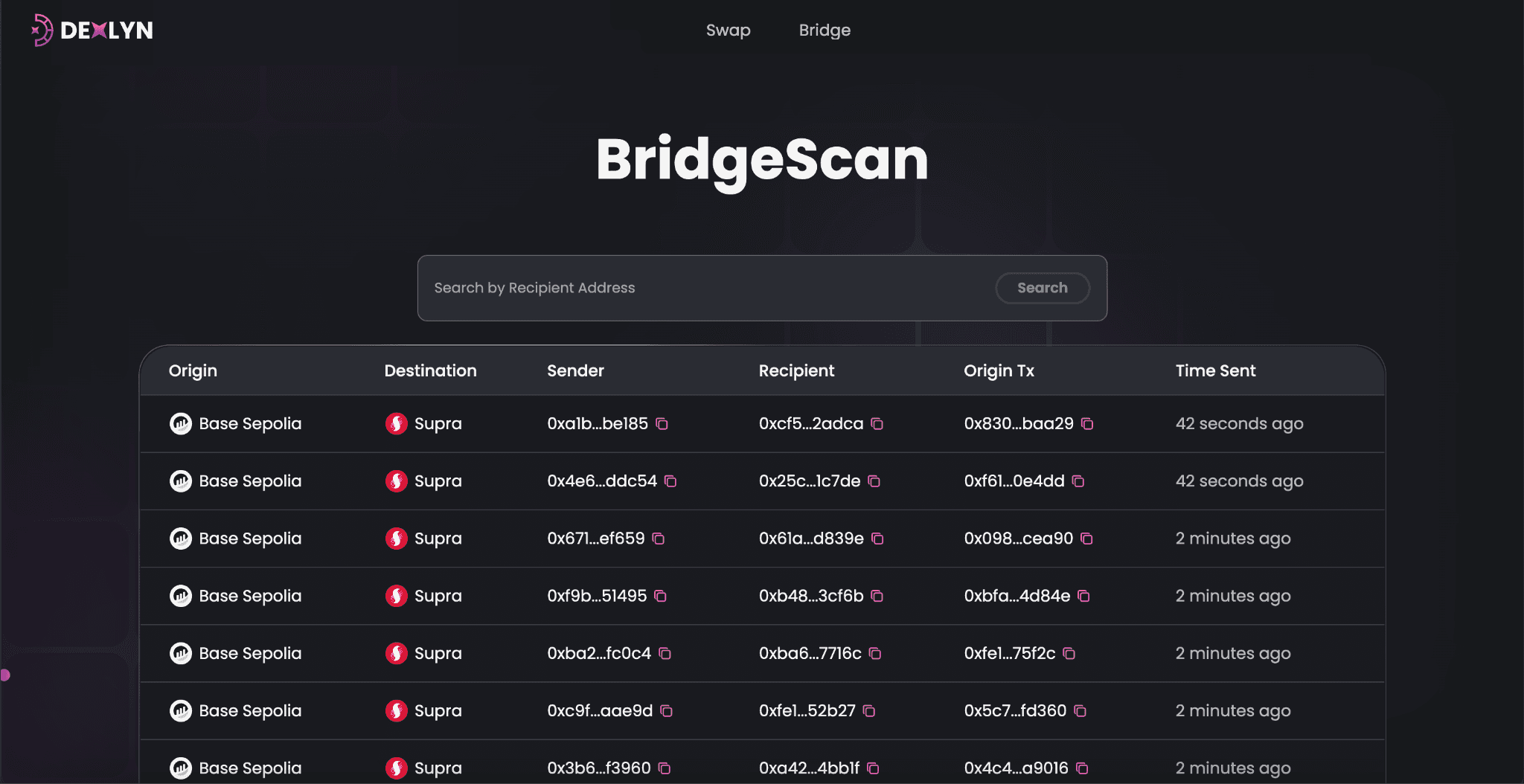
Step 2: View All Transactions
You’ll see a table with the following details for each transaction
- Origin: The blockchain the transaction started from (e.g.,ETH).
- Destination: The blockchain the transaction is sent to (e.g., Supra).
- Sender: The wallet address that sent the transaction.
- Recipient: The wallet address that received the transaction.
- Origin Tx: Transaction hash is a unique identifier for a transaction on a blockchain.
- Time Sent: How long ago the transaction was sent.
Step 3: Search for a Transaction
If you want to find a specific transaction
- Enter the recipient address, Transaction hash, sender address in the search bar at the top.
- Click Search to see all transactions related to that address.