Transfer Locks
Lock transferring allows you to move ownership of your veDXLYN lock to another wallet address. This is useful for:
- Delegating voting power to another party
- Transferring governance rights as part of agreements
- Moving locks between your own wallets
- Selling or gifting governance power
Transfer Process:
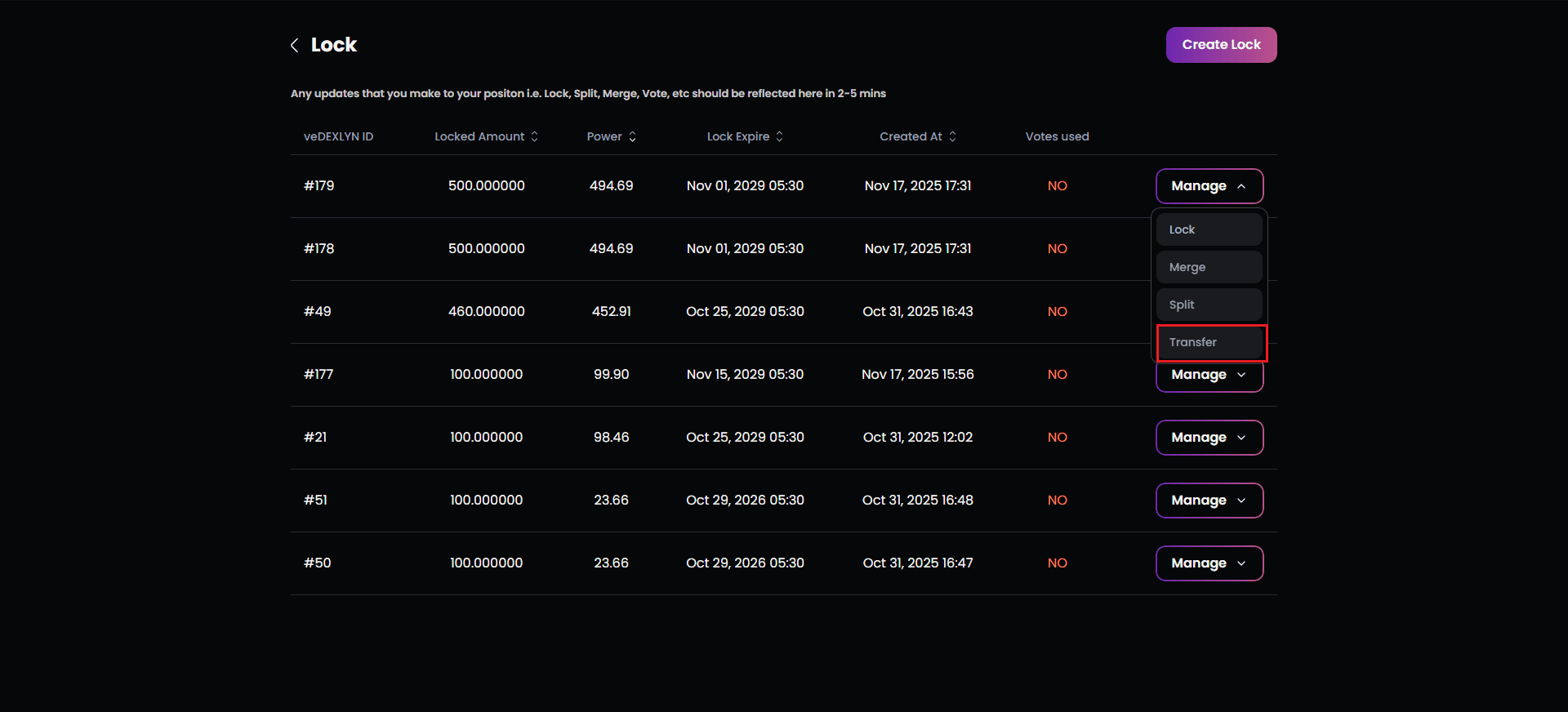
- Select “Transfer” from the lock management options
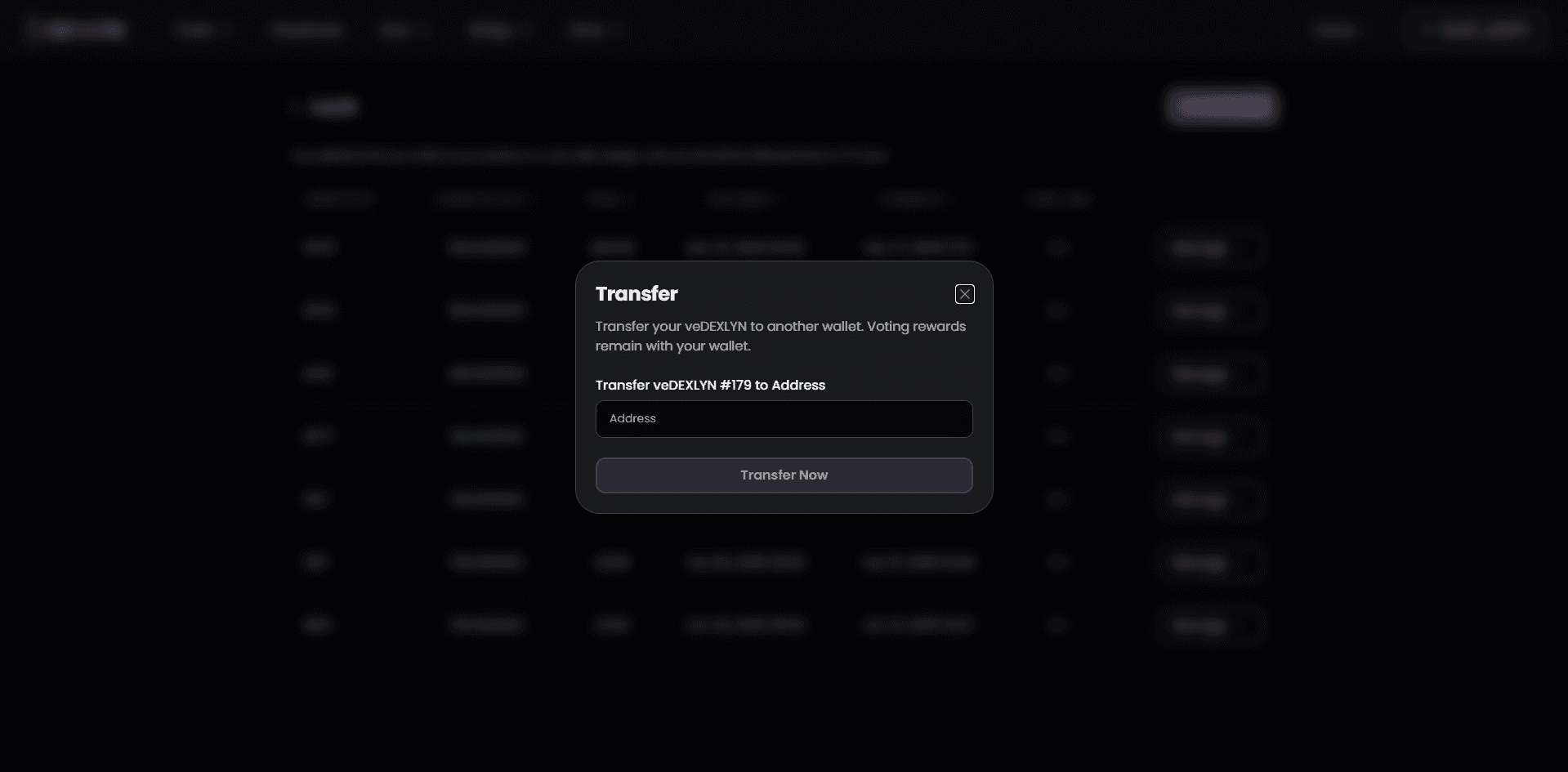
- Enter the recipient’s wallet address in the provided field
- Critical: Double-check the address—transfers are irreversible
- Copy-paste is recommended to avoid typos
- The system doesn’t validate if the recipient address is correct
- Vote Reset Warning (if applicable):
- If your lock has active votes, a prominent warning appears
- Your votes will be reset to zero upon transfer
- You’ll stop receiving emission rewards immediately
- This warning only appears for locks with active voting allocations
- Confirm the transfer:
- A wallet transaction initiates with applicable fees displayed
- Entire Lock Transfer: The full lock amount transfers—partial transfers are not supported
- All veDXLYN, remaining duration, and voting power move together
- Post-Transfer State:
- Your View: The lock disappears from your Lock list immediately
- Recipient’s View: The lock appears in their Lock module with:
- Same token amount
- Same unlock date
- Same veDXLYN power
- New lock ID in their system
Critical Transfer Warnings:
- Transfers are permanent and irreversible
- No partial transfers—everything moves at once
- The recipient gains full control immediately
- You cannot reclaim or cancel after confirmation
- Verify the recipient address multiple times before proceeding