Claiming Emission Rewards
Individual Pool Claims:
-
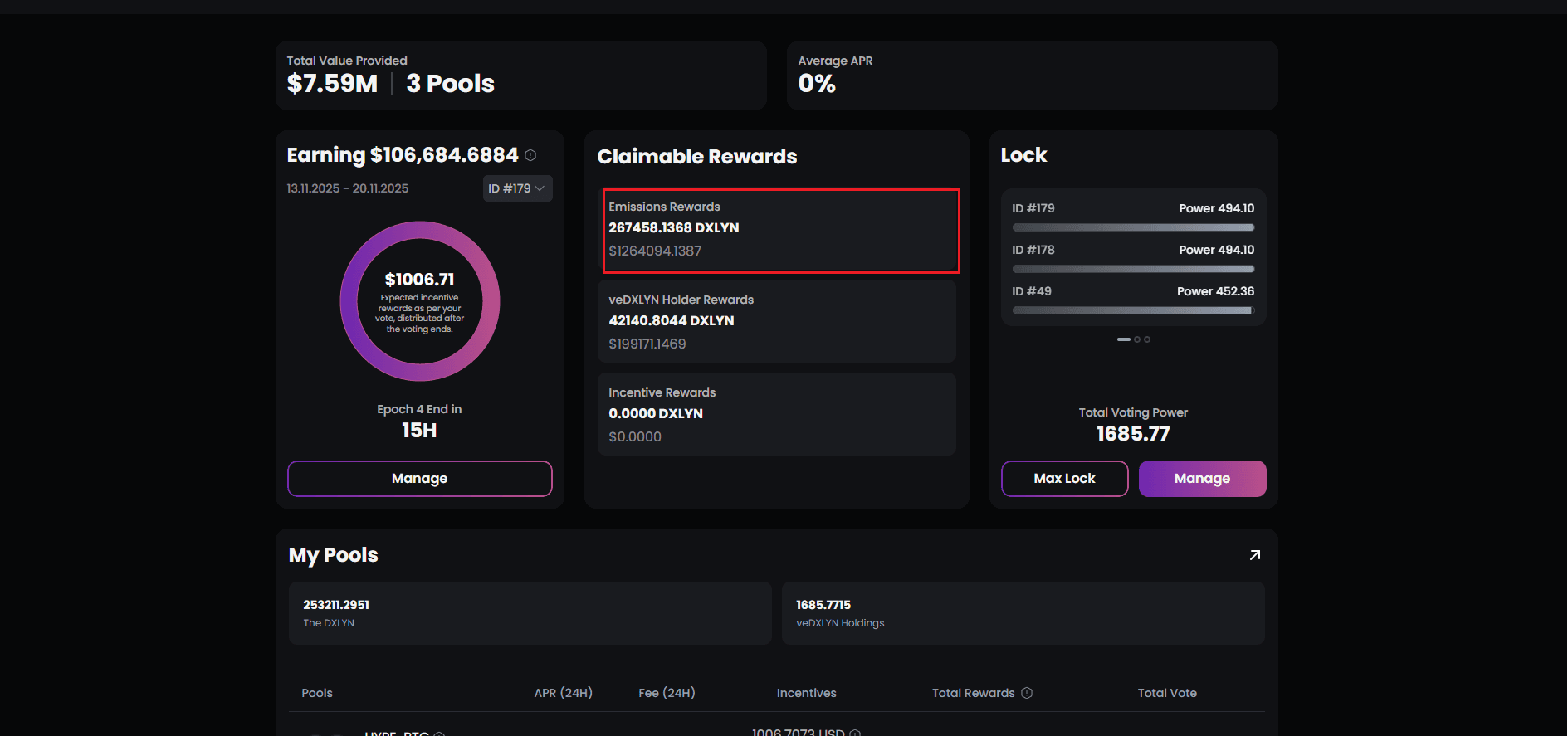
Navigate to the Emission Rewards module
-
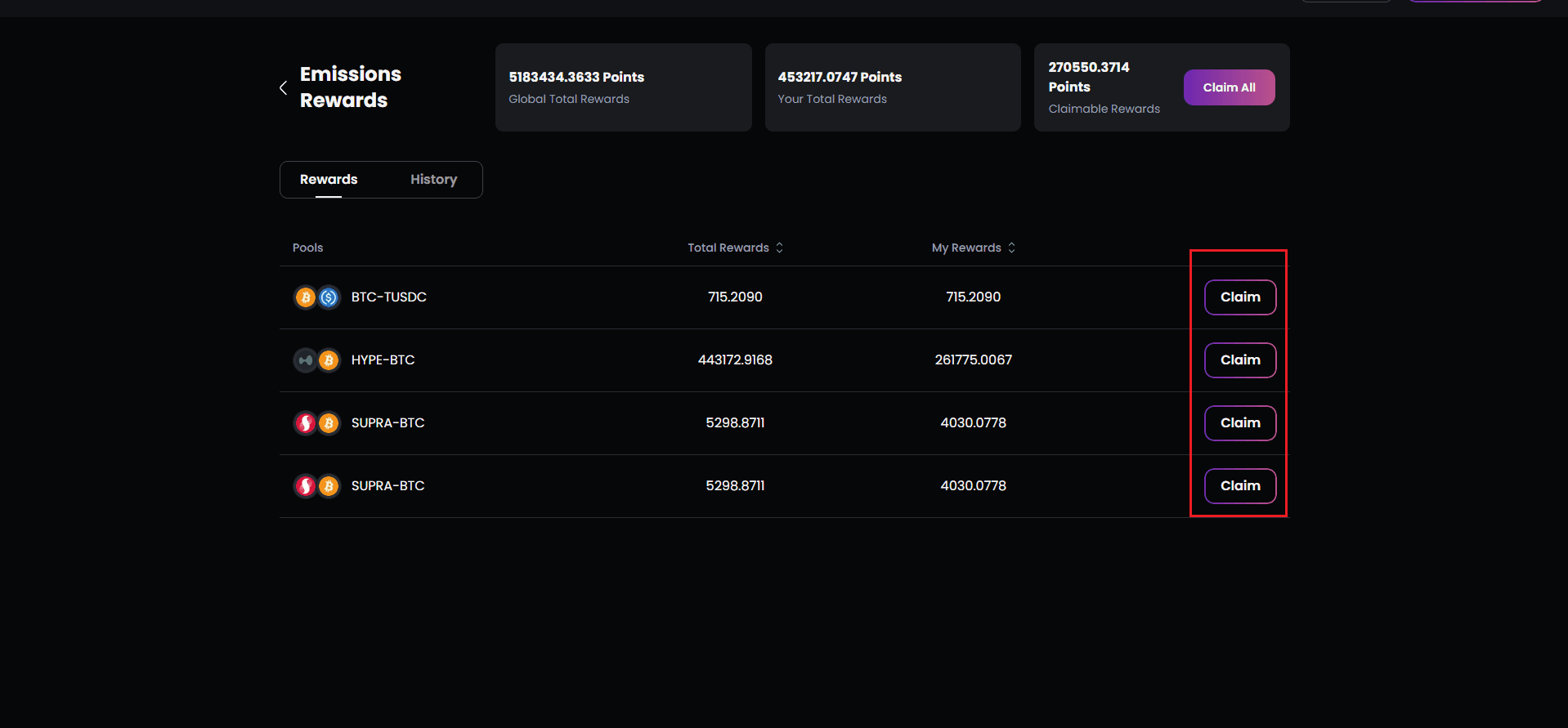
Each pool listing has its own “Claim” button
-
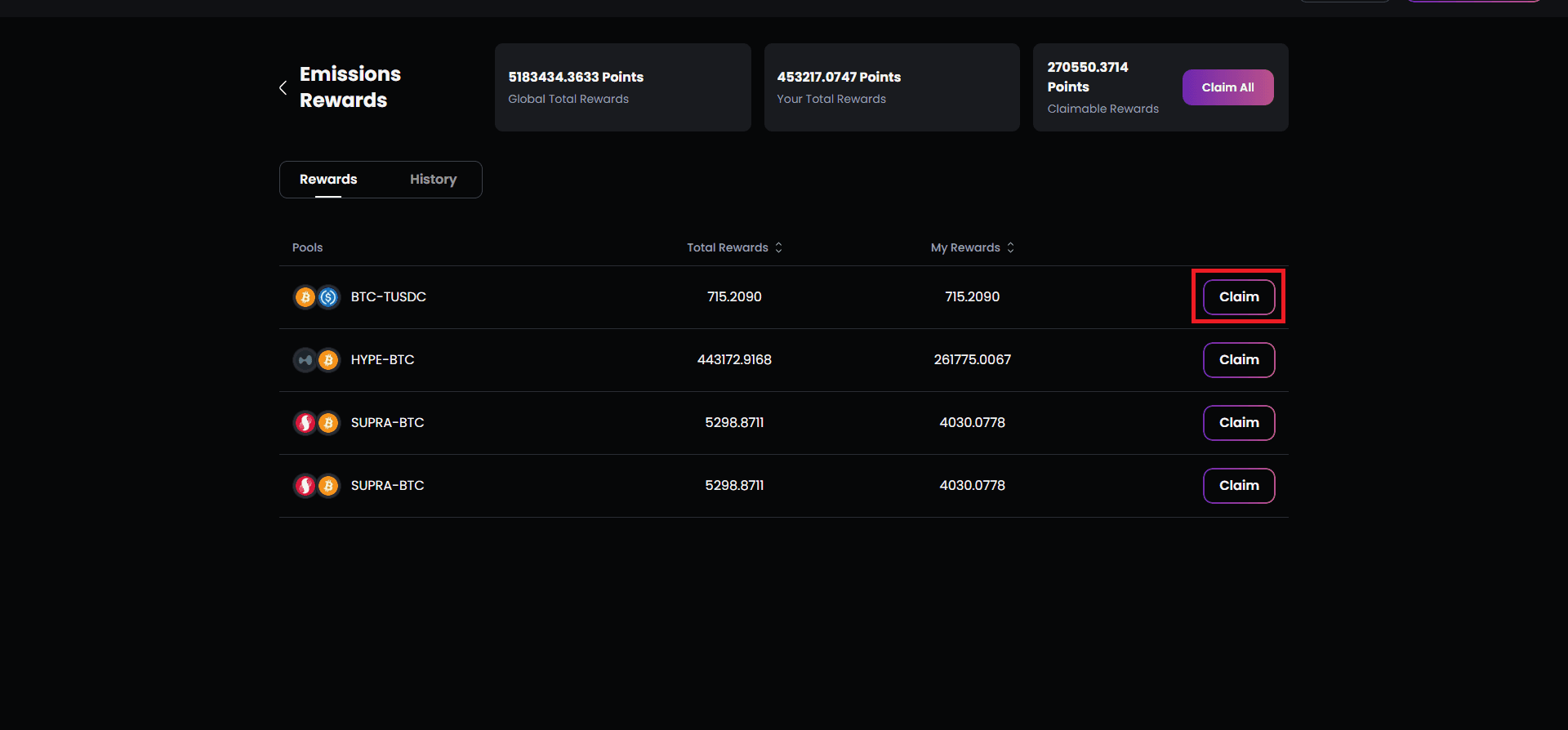
Click to claim rewards from that specific pool
-
Wallet transaction occurs with applicable fees
-
Rewards transfer directly to your wallet
-
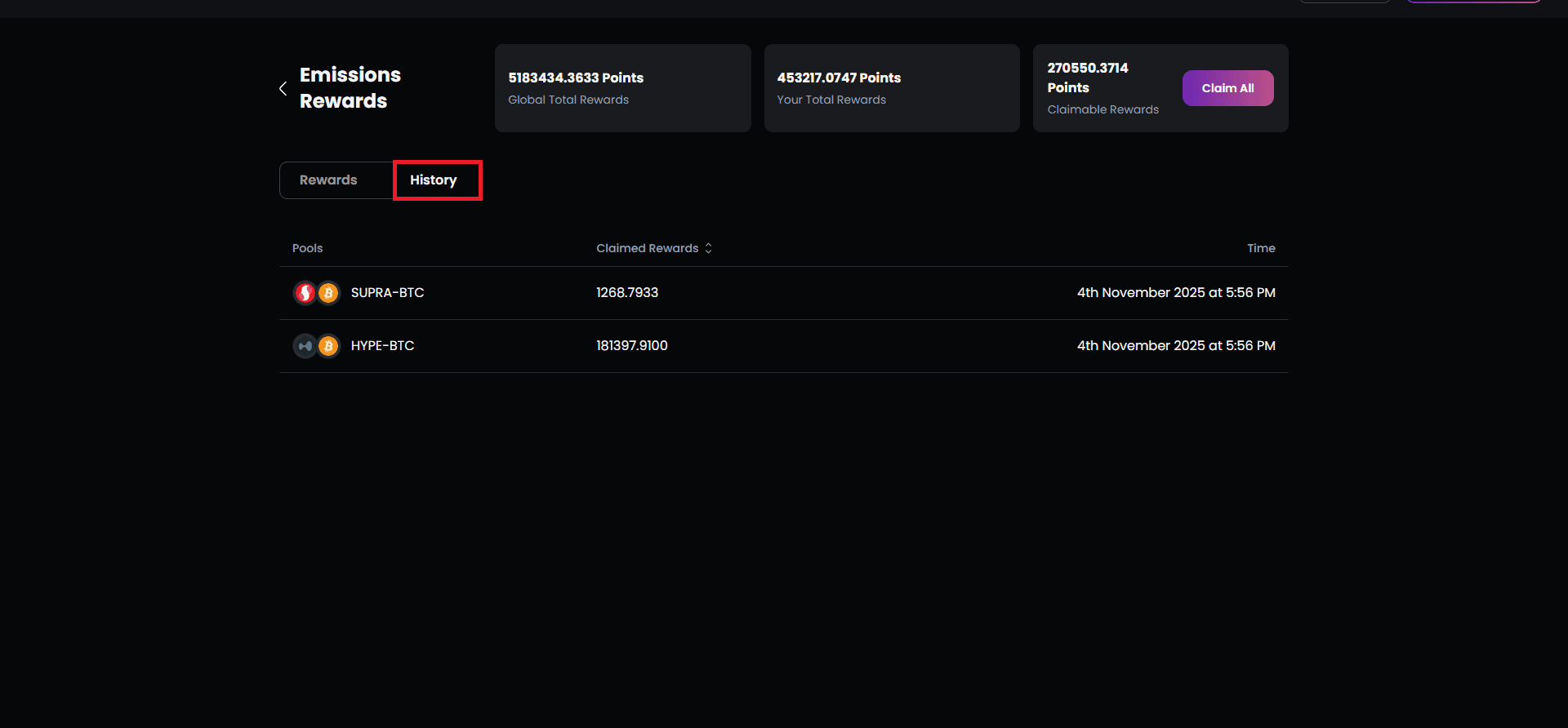
Claim History updates immediately
Claim All Functionality: When you have unclaimed rewards across multiple pools:
-
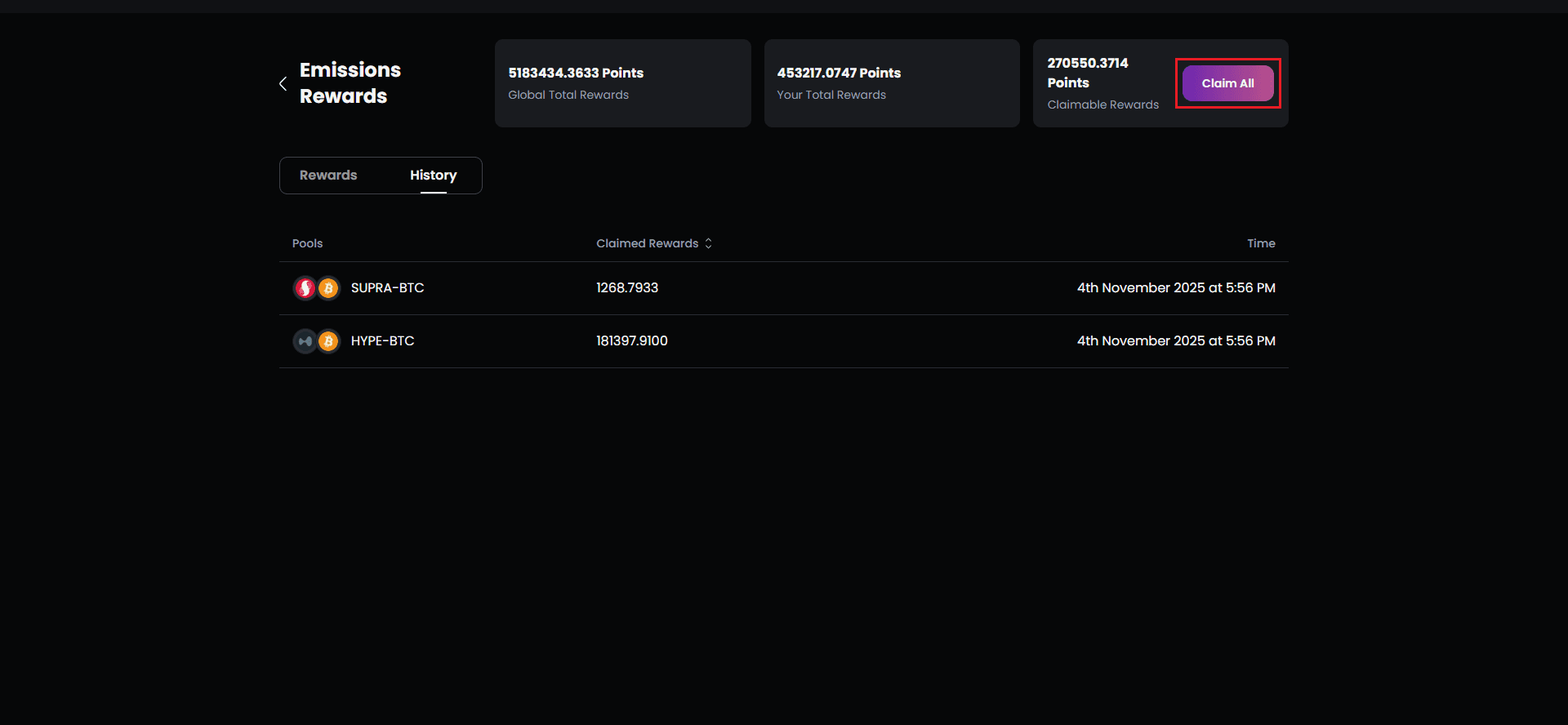
A “Claim All” button appears at the top of the interface
-
Click to initiate a single transaction claiming from all pools
-
More gas-efficient than individual claims
-
All pool rewards transfer in one batch
-
Dashboard updates comprehensively
Post-Claim State:
- Claimable Rewards: Drops to 0 DXLYN
- Your Total Rewards: Remains the same (it’s cumulative, includes claimed)
- Claim All Button: Disappears when nothing remains to claim
- Pool Listings: Show “No Record Found” or zero claimable amounts
Claim History: Every claim is permanently recorded:
- Epoch number and date range
- Pool name and token pair
- Amount claimed in DXLYN
- Transaction hash for blockchain verification
- Timestamp of claim