How to collect fees.
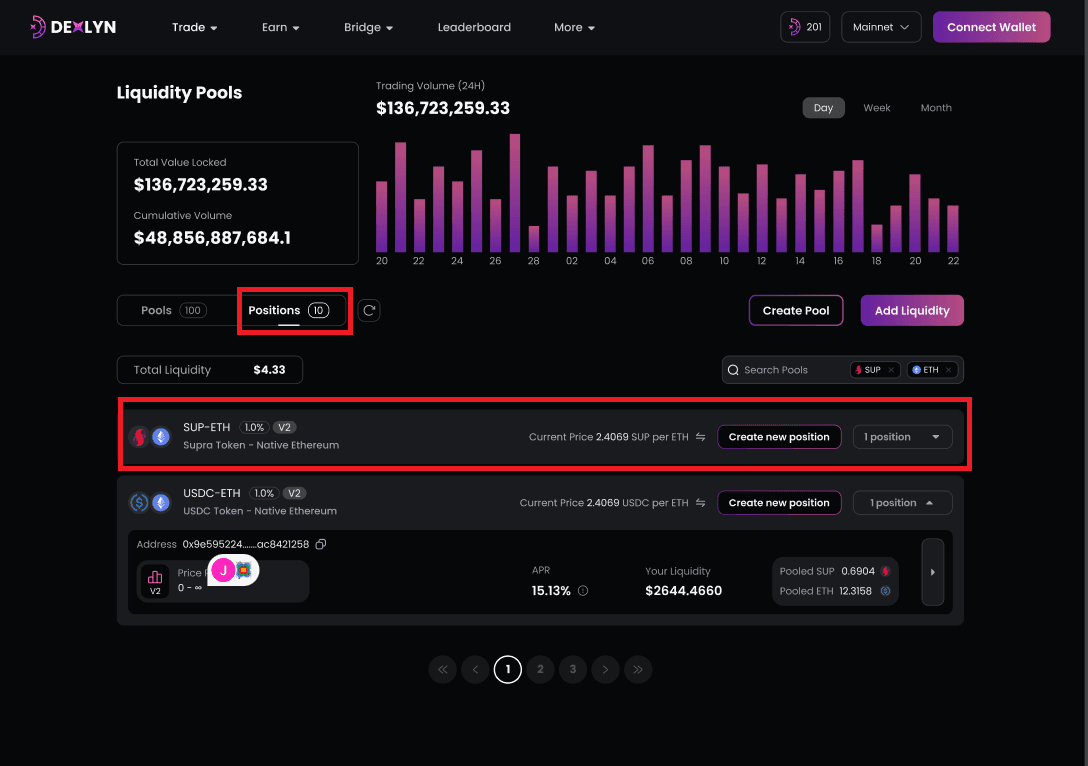
- Click the ‘Position’ page to see your current position. If you click on any position, you will find a remove option next to an increase option.
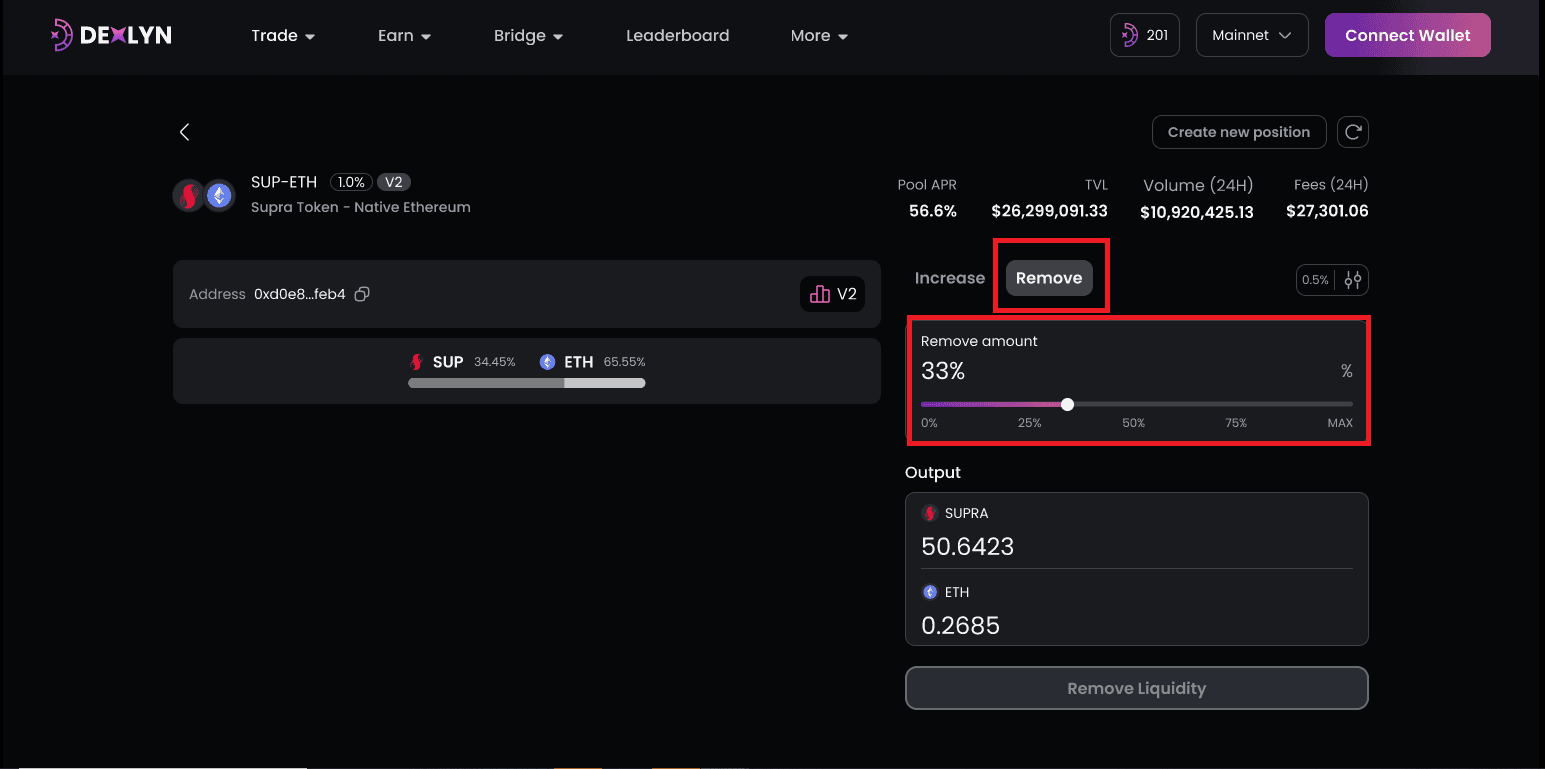
- Enter the amount of liquidity you want to remove. Users can rapidly select from a variety of boundaries, including 0%, 25%, 50%, 75%, and Max, or they can drag the bar to alter the amount to their liking.
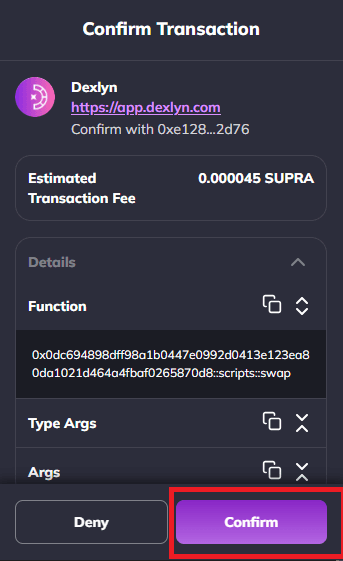
- Confirm transaction.