Standard
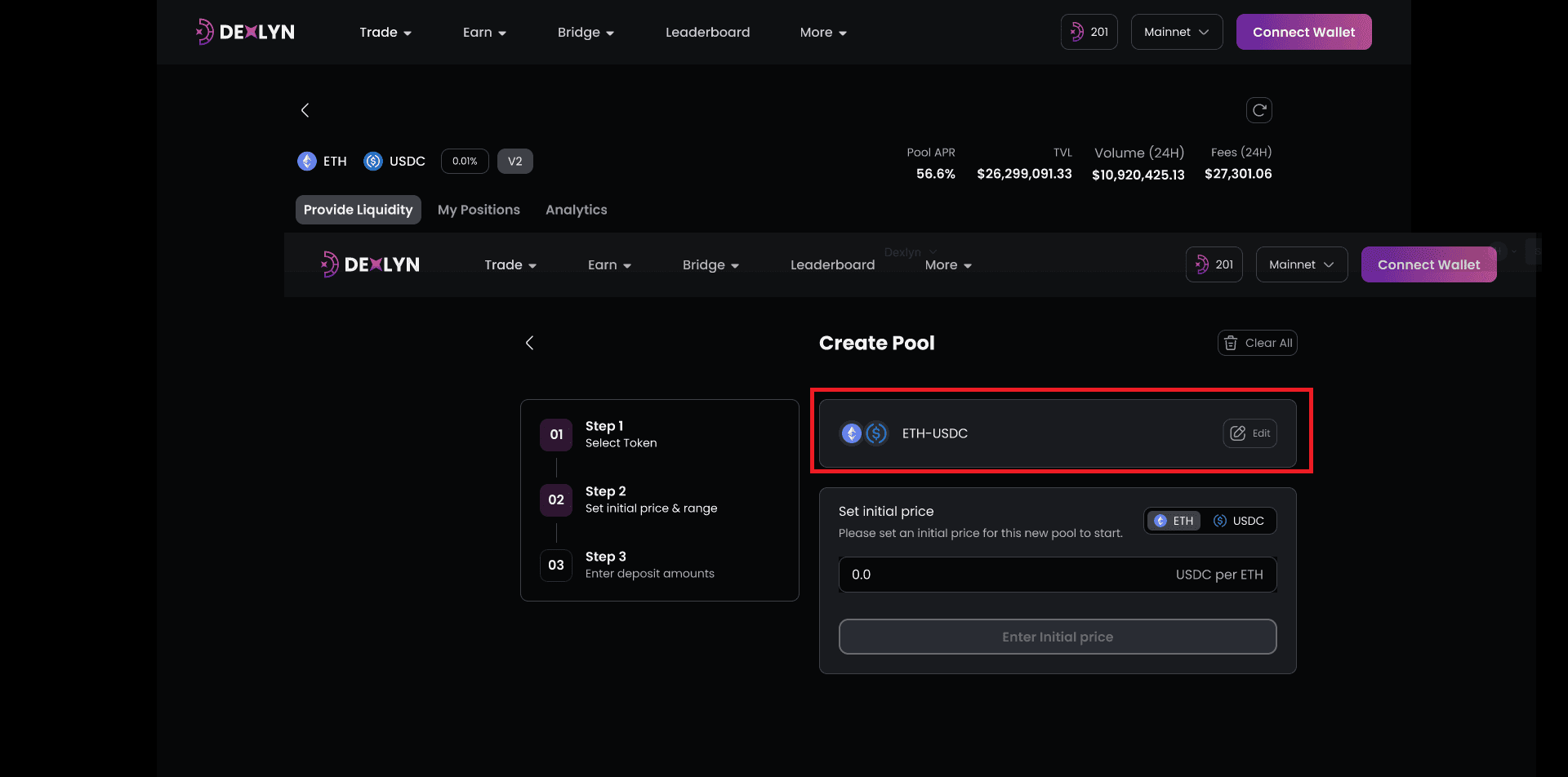
- To begin the pool creation process, go to Dexlyn Site and click on the “Create Pool” button. The list of tokens will be presented. If you pick two tokens with an existing pool, you will see a validation notification and be offered the opportunity to add liquidity to that pool instead. Token pairs with no existing pool can only be added to a new pool.
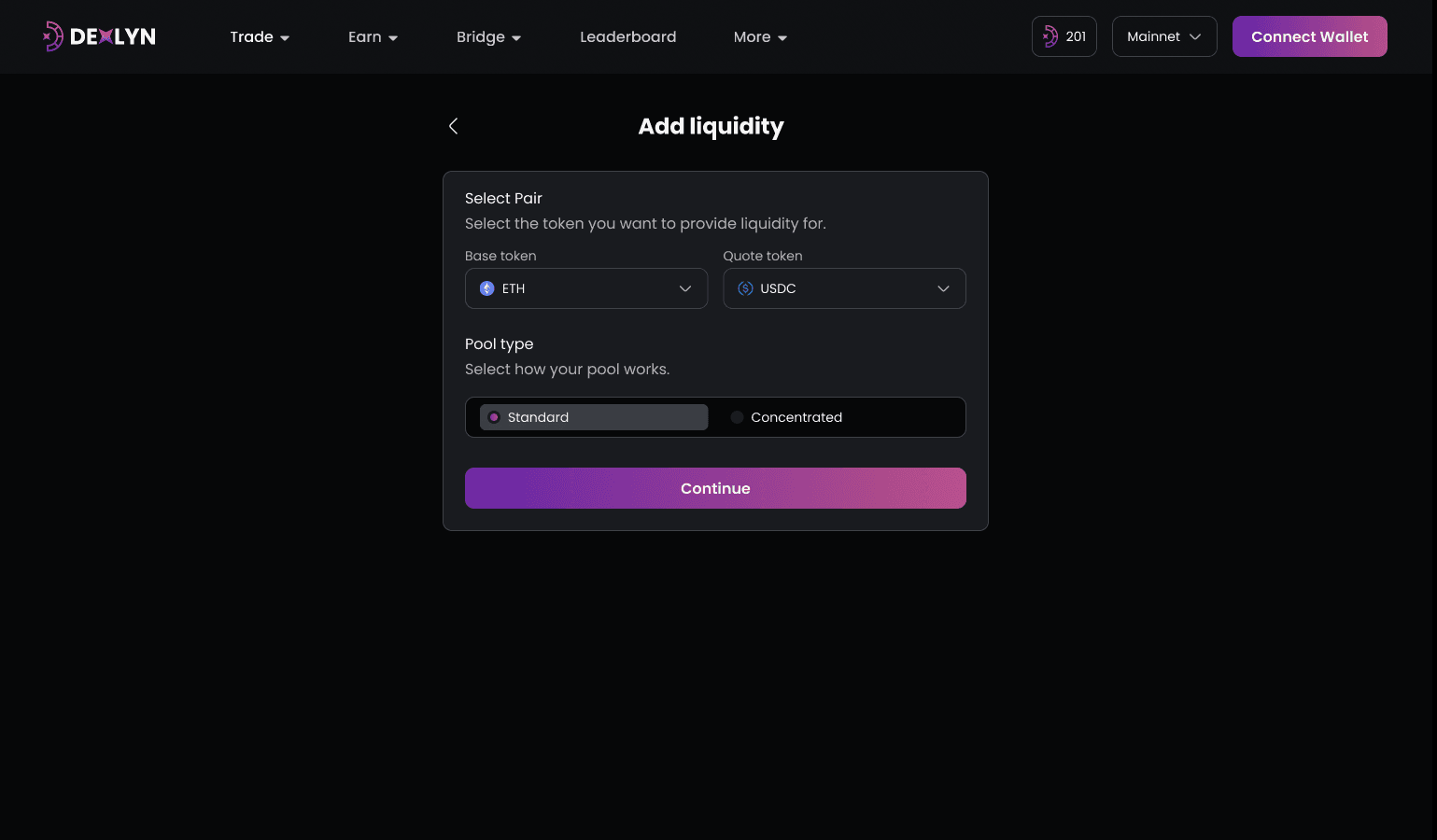
2 .When creating a new pool, please specify the pair you would like to set up. Currently only the Supra token and DEXLYN token are accepted as the quote token for a permissionless pool. For the base token, you can select it from the dropdown list or directly input the exact coin_type address of your token.
-
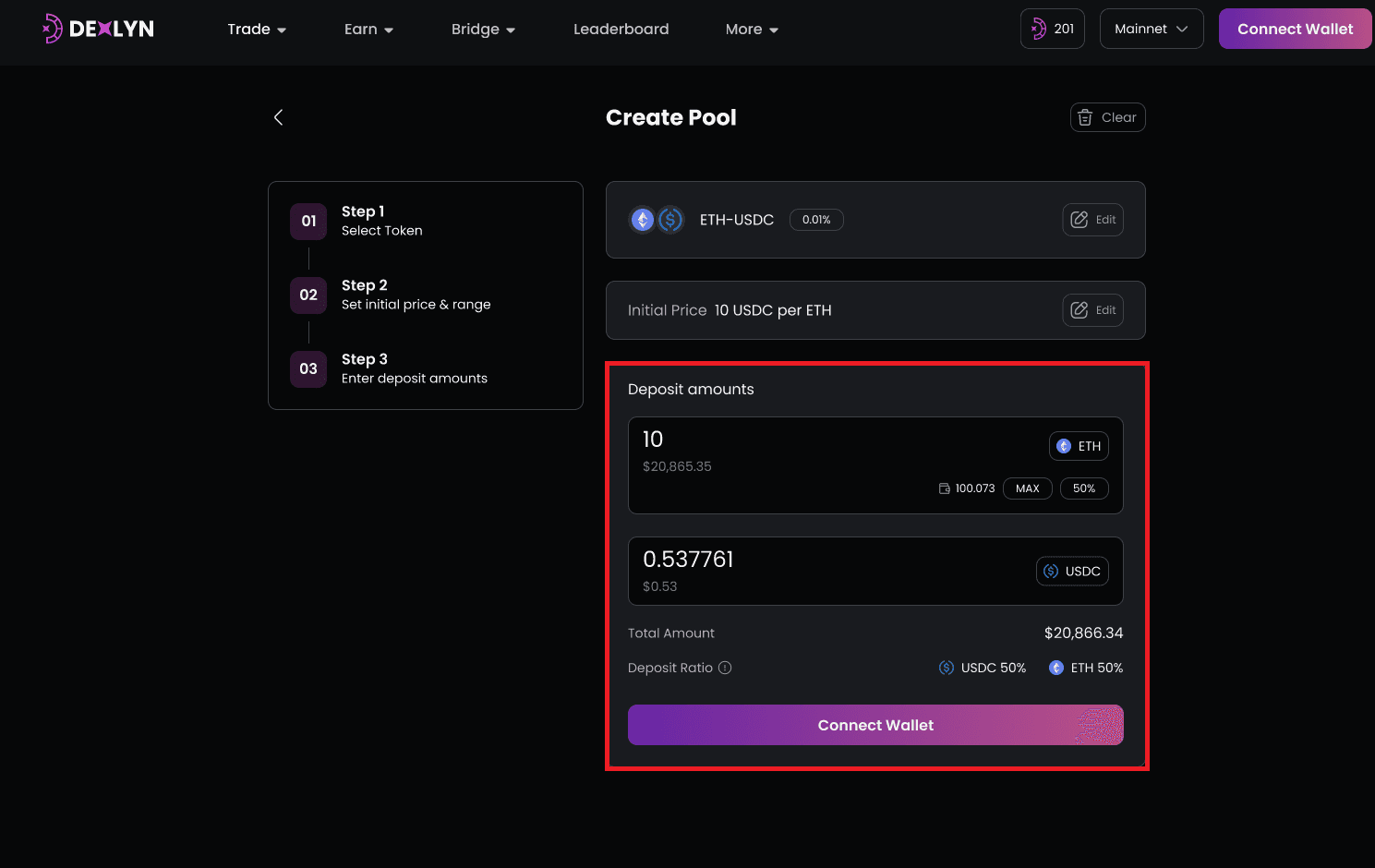
After you’ve set all of the basic parameters, input the amount of liquidity you want to offer to the pool as starting liquidity. Simply enter the amount for one of the tokens, and the amount for the other will be computed automatically based on the initial price and price range you provide.