Claiming Incentive Rewards
Individual Claims:
-
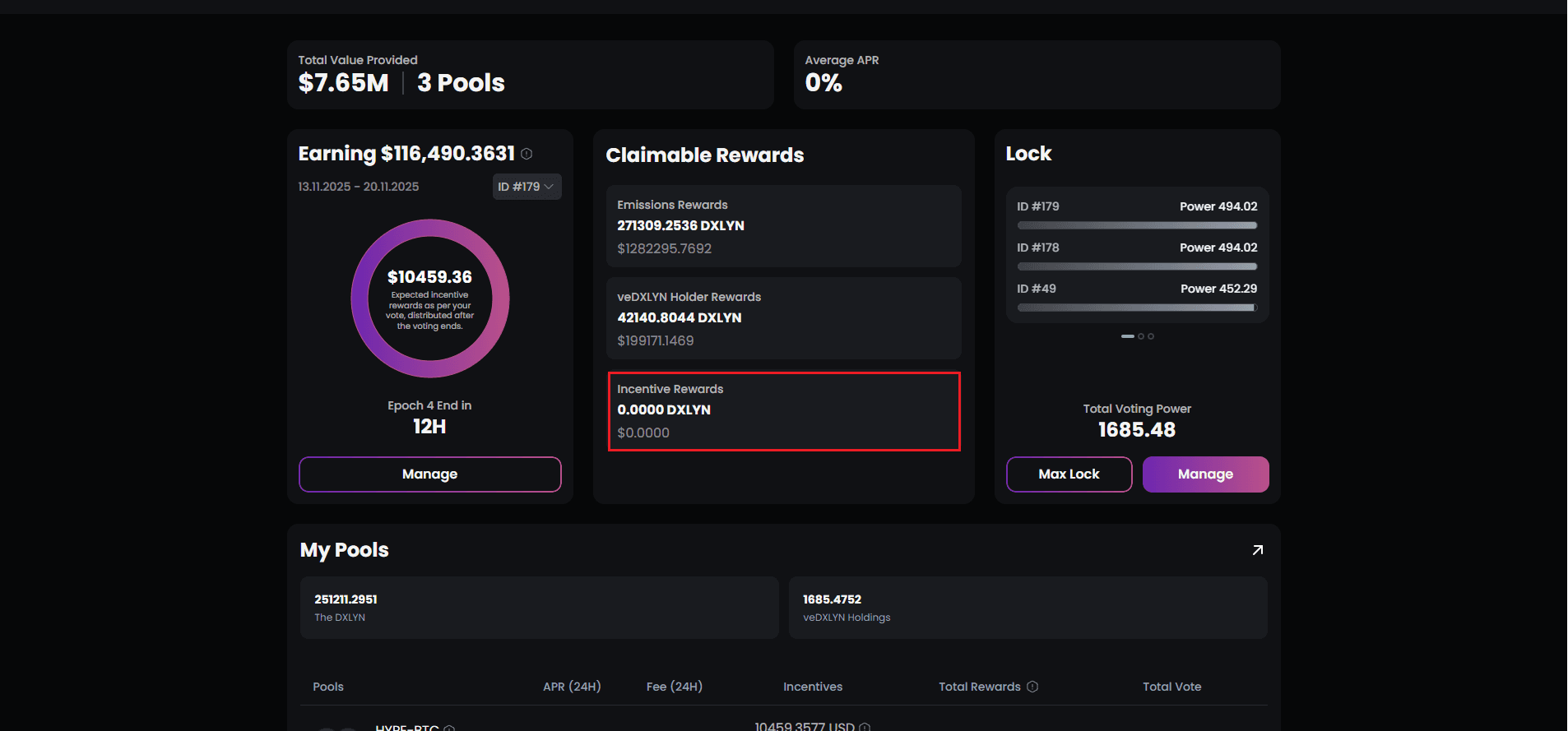
Navigate to Incentive Rewards module
-
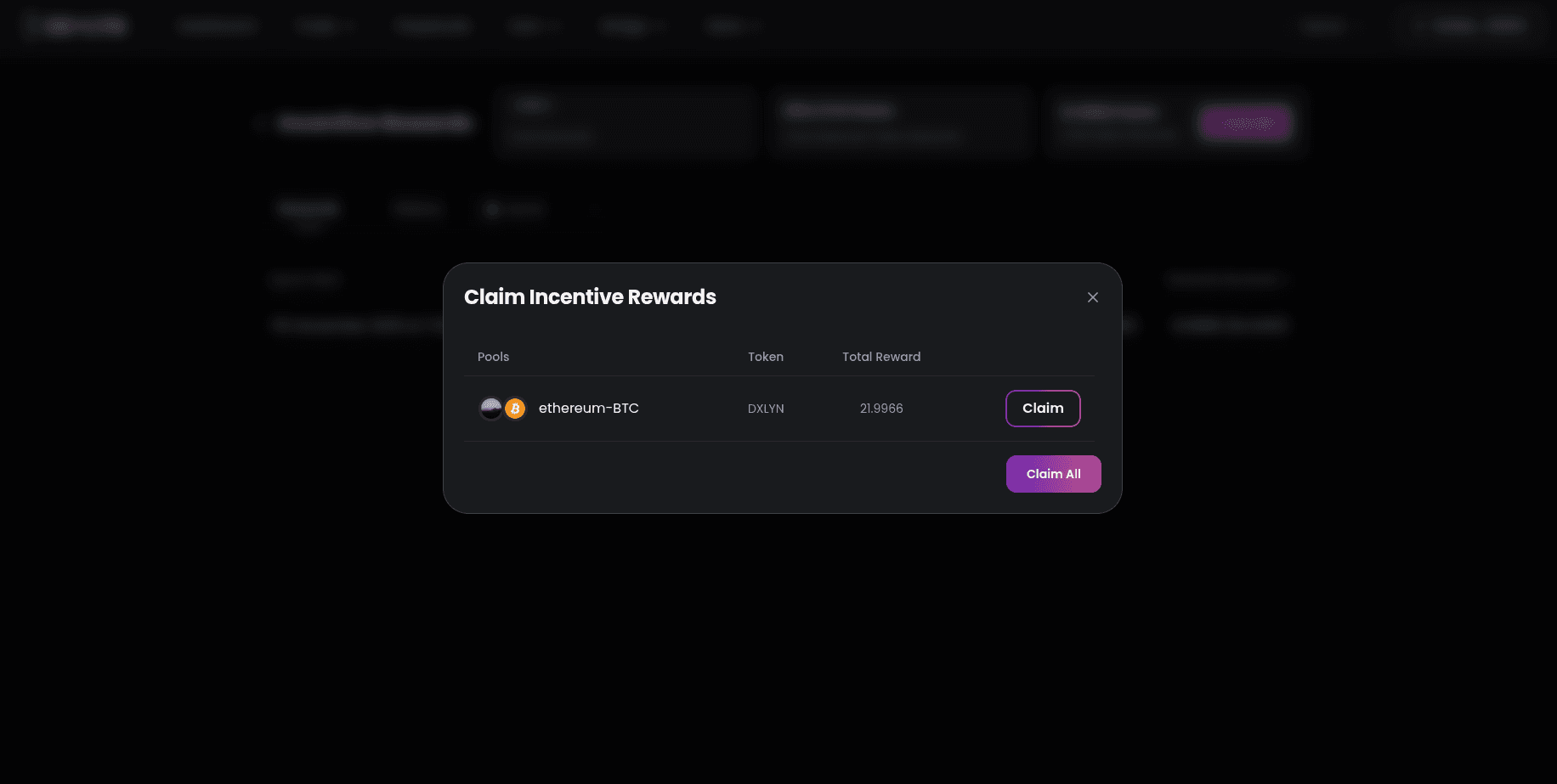
Once you click on ‘Claim All’ you will get pop up and will be able to claim token from the individual pool.
-
Click to initiate claim for that specific incentive
-
Wallet transaction with applicable fees
-
Reward tokens transfer to your wallet
-
Listing updates to “Claimed” status
Claim All Option: When multiple incentive rewards are available:
-
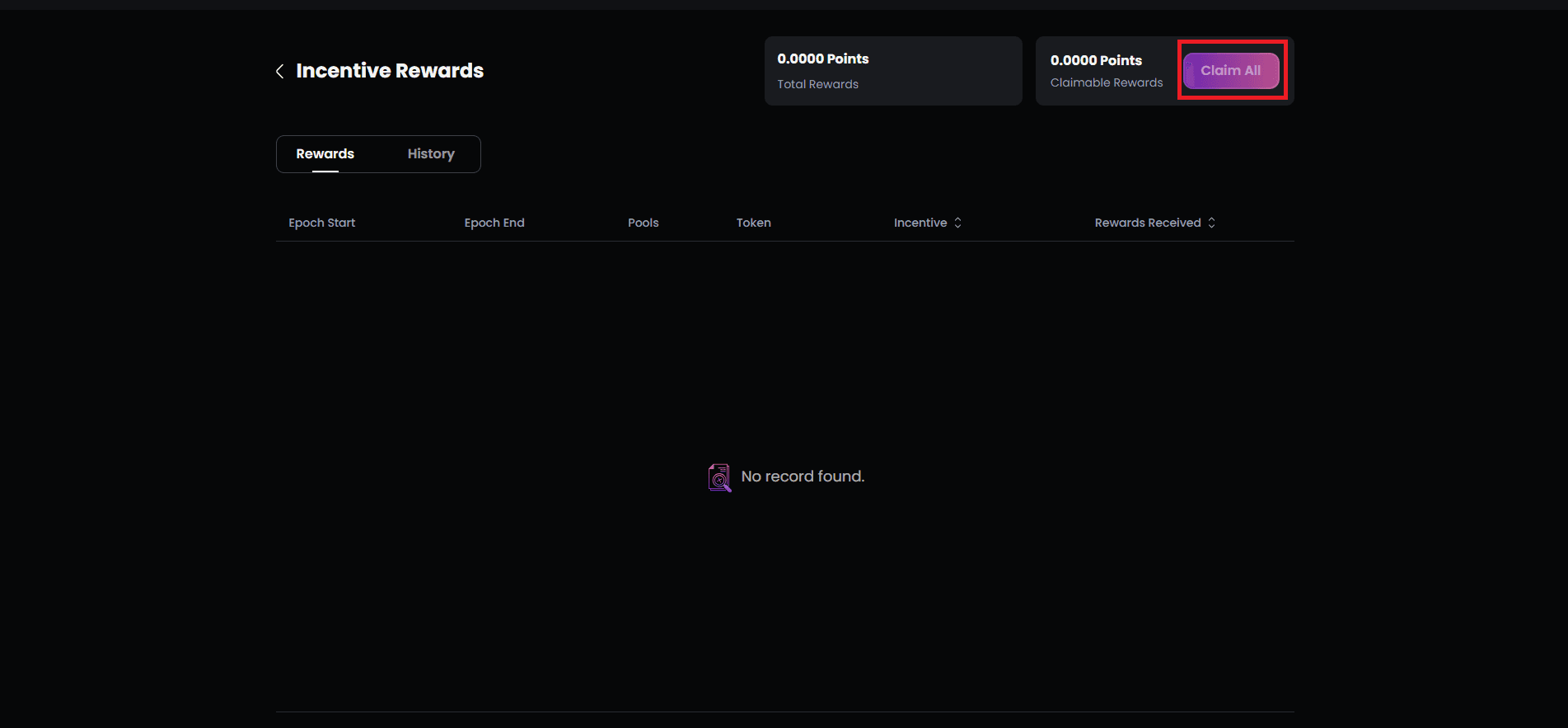
“Claim All” button appears prominently
-
Single transaction claims all available incentives
-
More efficient than individual claims
-
All reward tokens transfer together
-
Dashboard updates comprehensively
Multi-Token Claims: If you’ve earned incentives in different tokens (e.g., DXLYN + USDC + DAI):
- Claim All batches all token transfers
- You receive each token type in your wallet
- One transaction fee covers all transfers
- Each token claim is recorded separately in history
Claim History: The History tab archives all past claims:
- Epoch start and end dates
- Pool name that was incentivized
- Reward token and amount
- Claim timestamp
- Transaction hash
Empty State: “No Data Available” appears when:
- You haven’t voted in any incentivized pools
- No pools you voted for have incentives
- All available incentives have been claimed