Deposit & Stake
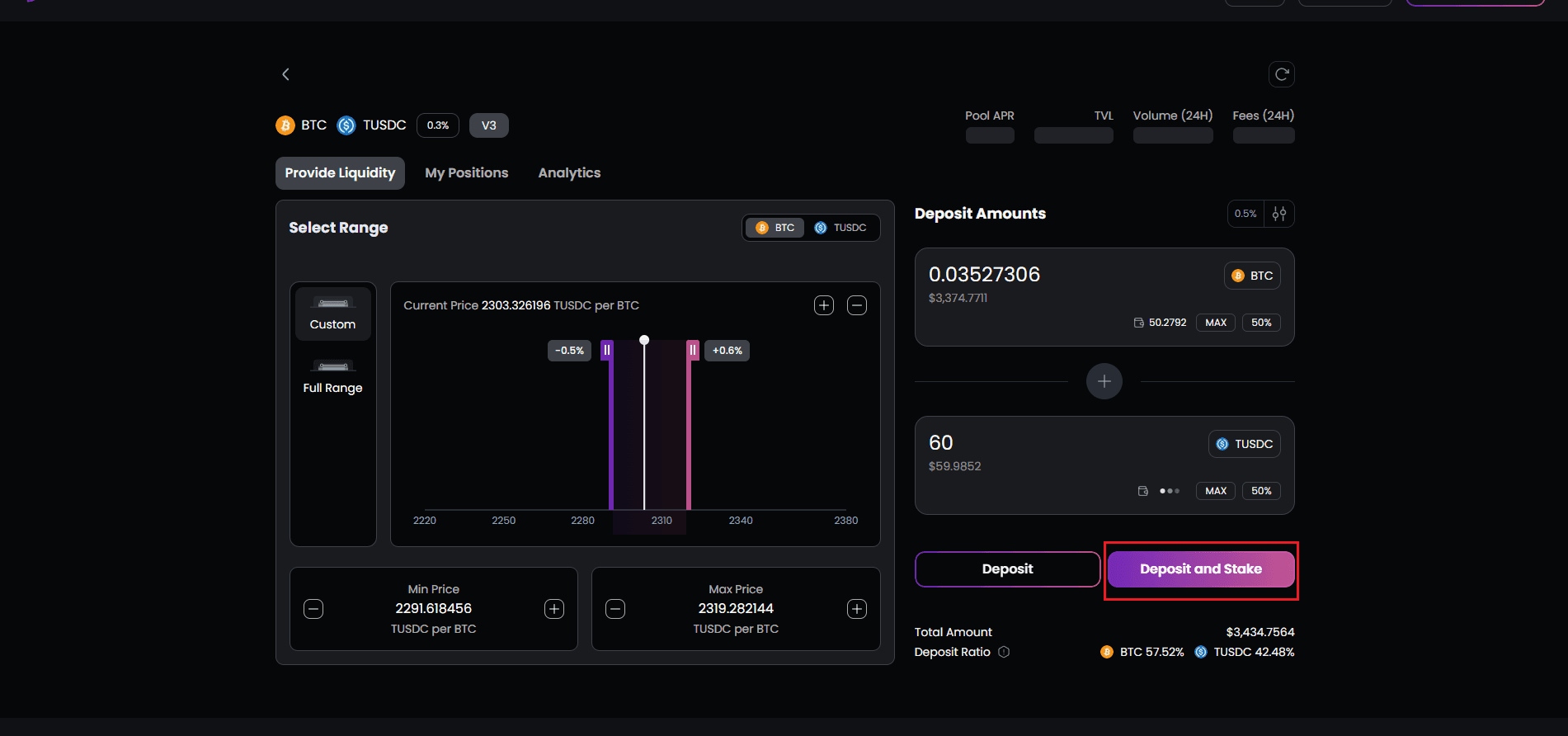
The Deposit & Stake option streamlines the process by combining liquidity provision with gauge staking in a single flow. This is the recommended approach for users who want to immediately start earning emission rewards:
-
Select your target pool
-
Click “Deposit & Stake”
-
A modal appears with two sequential steps clearly displayed
-
Step 1 - Deposit: Enter token amounts and approve the deposit transaction
- Your wallet will prompt for approval
- Network fees apply and are displayed before confirmation
- A green checkmark appears when the deposit completes successfully
- Step 2 - Stake: Automatically initiates once deposit confirms
- Your newly received LP tokens are staked into the pool’s gauge
- Another wallet transaction occurs with its own fee
- This locks your liquidity position and activates emission reward eligibility
.33a_jaa10bzju.png&w=3840&q=75)
Upon successful completion of both steps, you’ll receive a transaction hash that you can view on a block explorer for verification. Your dashboard will update immediately to reflect:
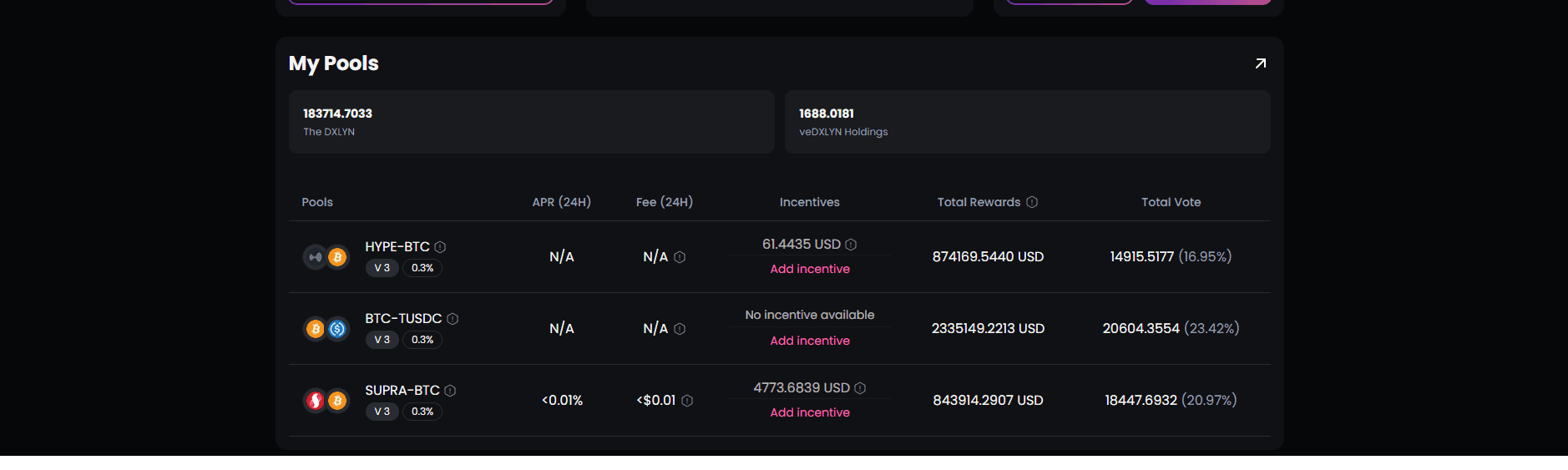
- The pool appearing in your “My Pools” section
- Your staked liquidity amount
- Your proportional share of the pool
- Estimated APR based on current emissions