Getting Started (SUPRA)
If you’re new to Web3, you’ve come to the perfect place! Starting something new can feel overwhelming, but don’t worry—we’ve got you covered. Our step-by-step guides will help you navigate Dexlyn with ease and confidence.
Setting up Dexlyn
Ready to dive in? Start with these simple steps:
Create a Wallet
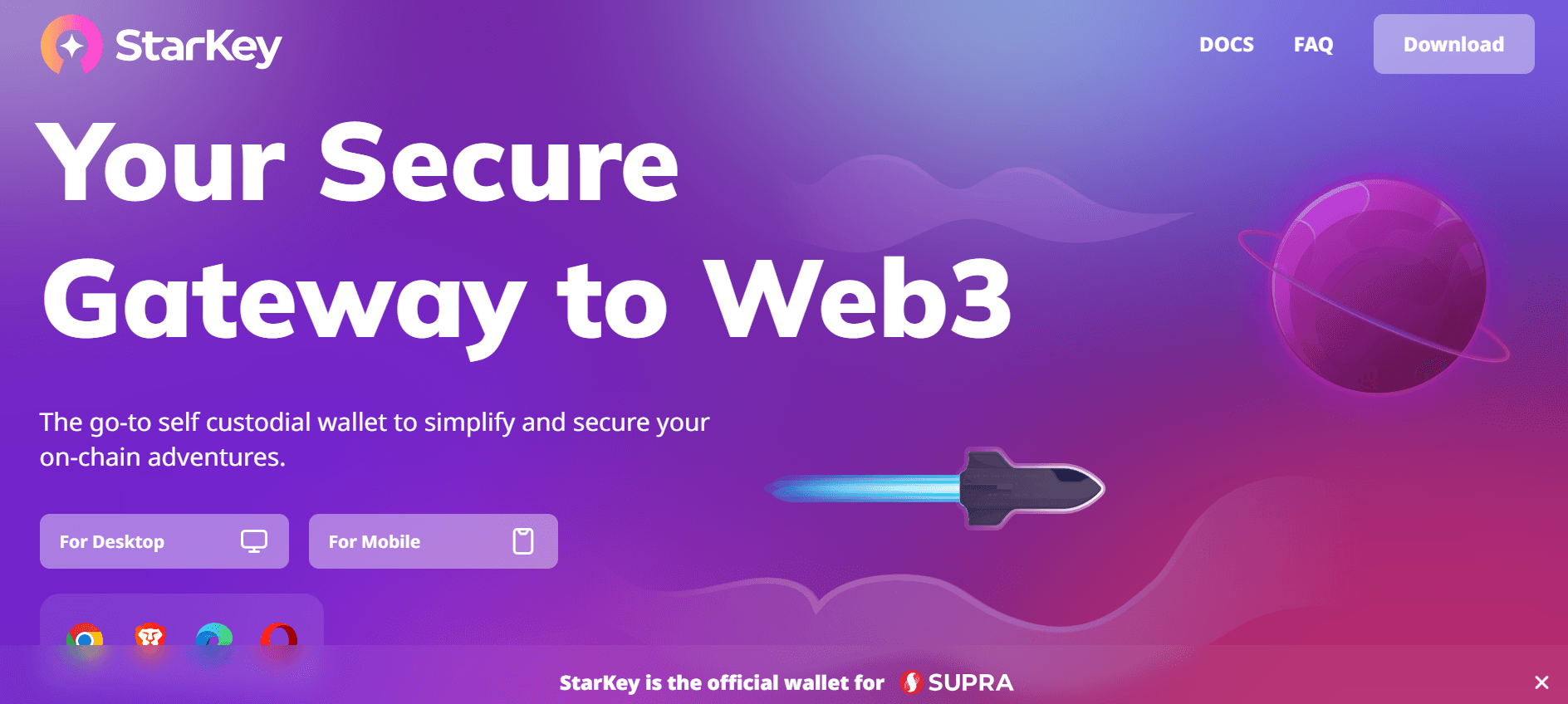
The first step to using Dexlyn is setting up a Starkey Wallet Extension, or any other wallet that supports Supra. Users must download the Starkey Wallet Extension to connect and interact with Dexlyn’s decentralized features. Wallets are available for both desktop browsers and smartphone devices—choose the one that suits you best.
When you’re setting up a wallet, be sure to:
✅ Download and install only the latest version from an official source. Download Starkey Wallet .
✅ Follow the setup guide carefully.
✅ Safely back up your recovery phrases.
✅ OR OPT FOR Split Key Recovery - a new wallet recovery method.
Key Management Simplified: Split Key Recovery divides your recovery key into three fragments, stored across your cloud, local storage, and a guardian. To recover your wallet, simply use any two fragments along with your password—ensuring security and eliminating single points of failure.
❌ NEVER share your recovery phrases with anyone, under any circumstances.
❌ NEVER input your recovery phrase to a website or app, other than your wallet app.